




AVAILABLE FOR PRE-ORDER
Reserve your StellarMate Pro X today! Estimated Shipping: October 2026.
StellarMate Pro X (8GB RAM / 256GB NVMe)
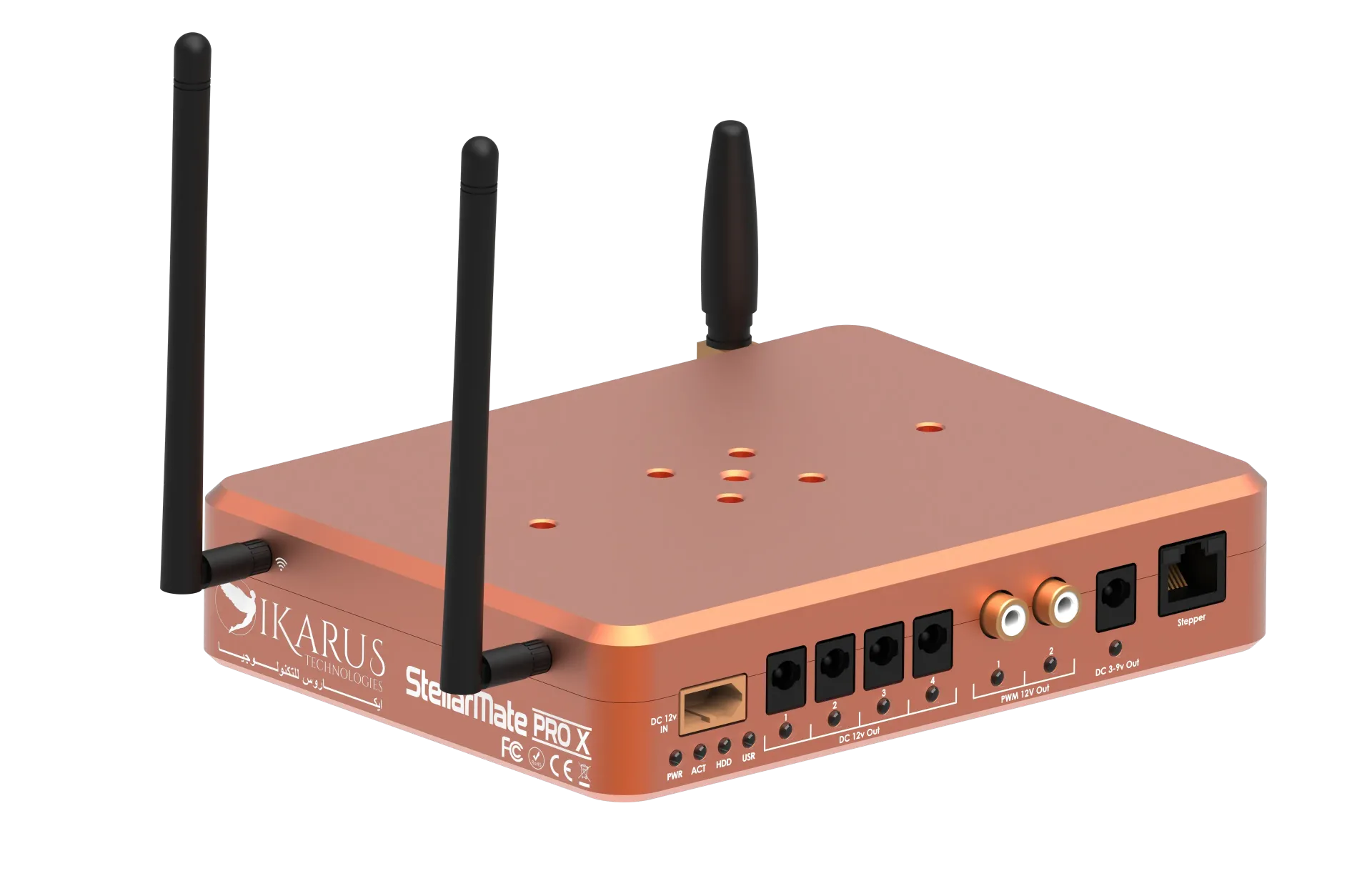
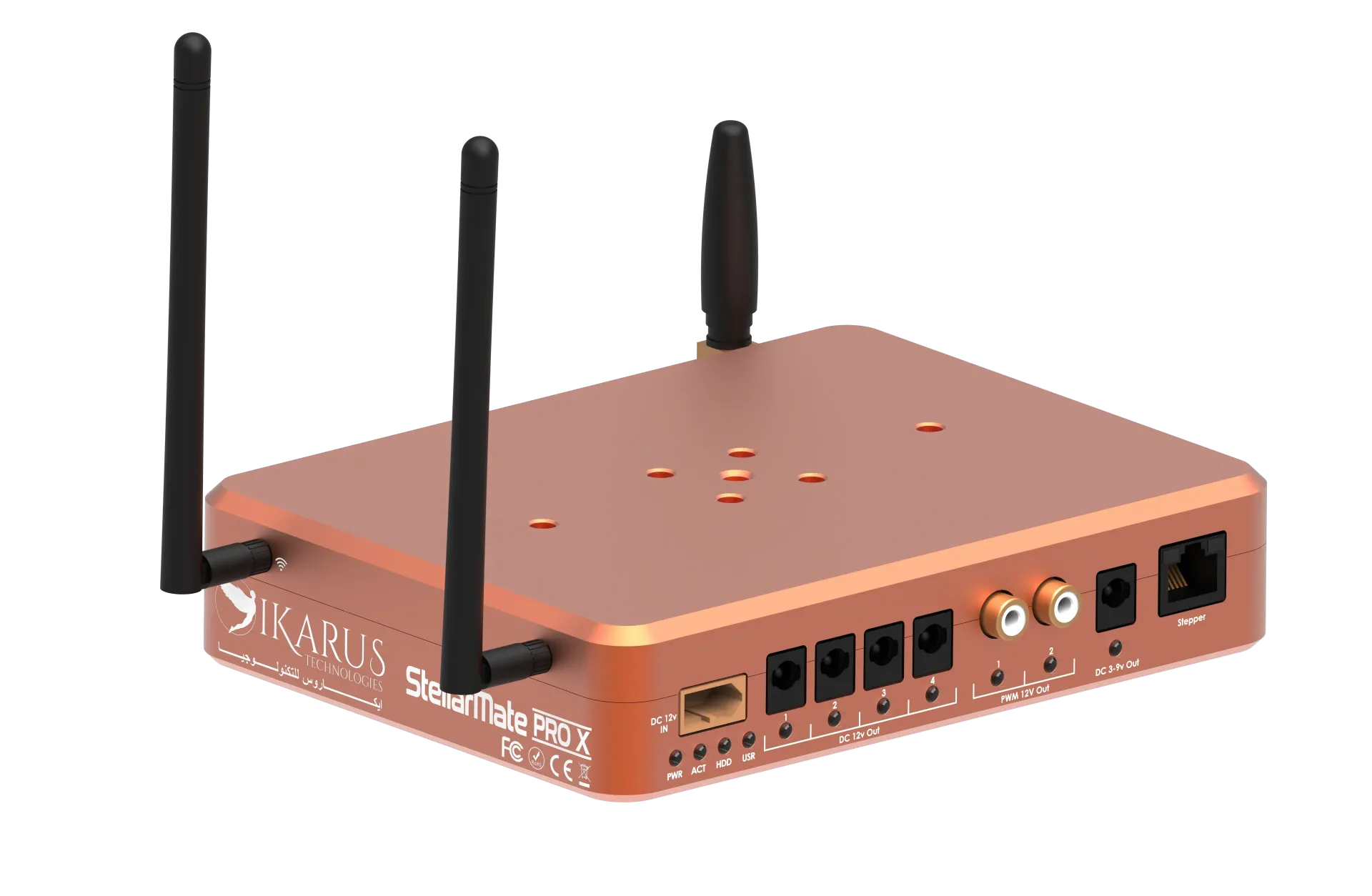
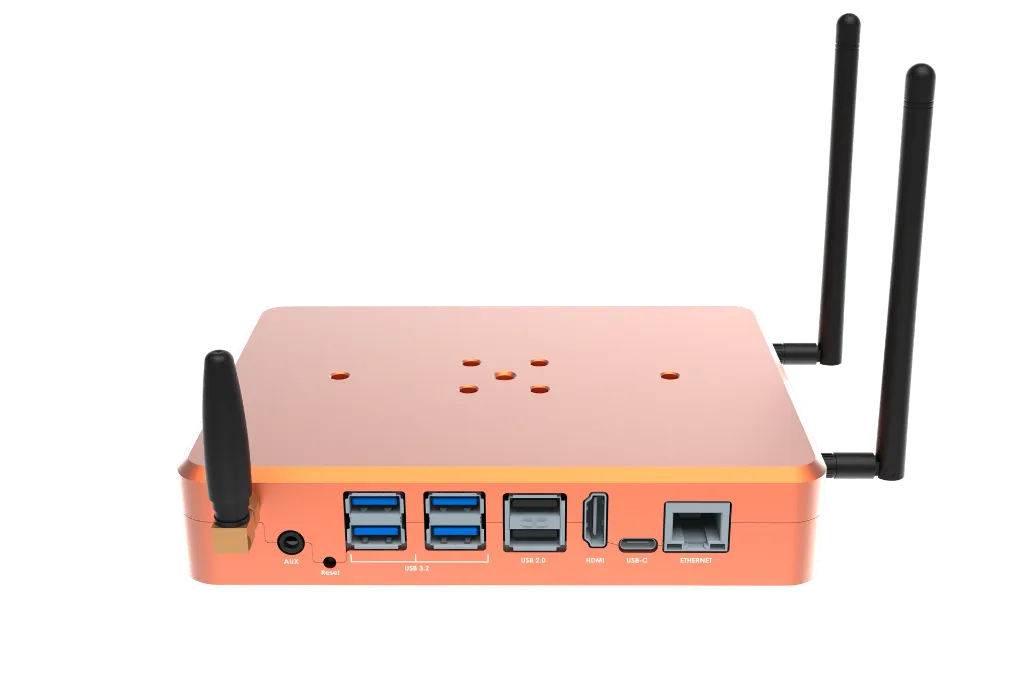
The StellarMate Pro X is a high-performance, professional-grade astrophotography controller powered by the 12th Gen Intel N100 Quad-Core processor platform.
Designed specifically for demanding deep-sky imaging and complex multi-camera setups, it combines Intel UHD Graphics, ultra-fast 8 GB LPDDR5 RAM, high-endurance 256 GB NVMe solid-state storage, and an integrated smart power distribution board into a rugged CNC enclosure.
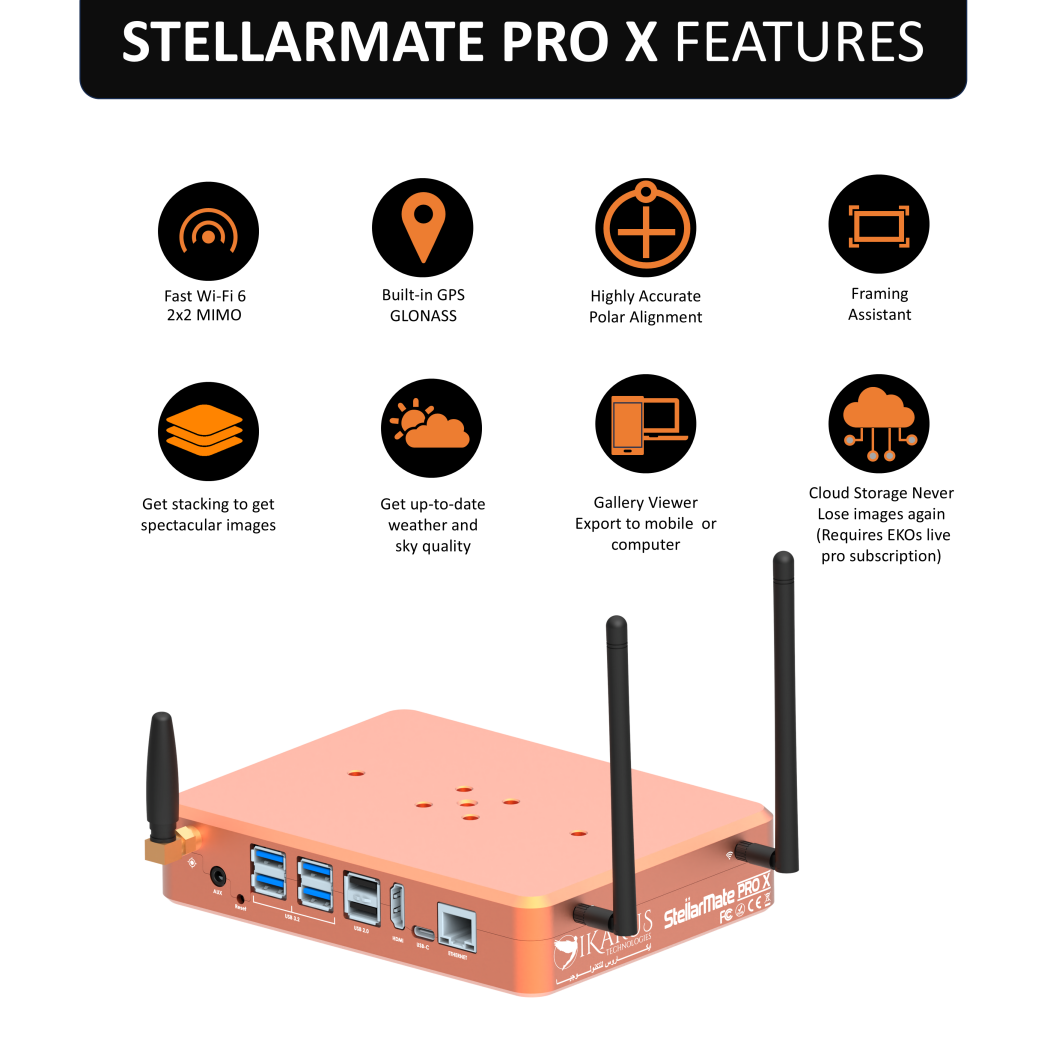
Driven by StellarMate OS—a custom Linux distribution pre-loaded with KStars, Ekos, and the complete INDI driver ecosystem—it offers a completely self-contained astronomy command center accessible remotely via WiFi 6 or Gigabit Ethernet from your phone, tablet, or PC.
Technical Specifications
| Parameter | Specification |
|---|---|
| Operating System | StellarMate OS (KStars, Ekos, and INDI pre-installed) |
| Processor | Intel N100 12th Gen Quad-Core Processor |
| Graphics | Intel UHD Graphics |
| Memory (RAM) | 8 GB LPDDR5 |
| Storage | 256 GB NVMe SSD |
| Wireless (WiFi) | WiFi 6 (802.11ax) - 2.4 GHz / 5 GHz / 2x2 MIMO tri-band |
| Bluetooth | Bluetooth 5.3 |
| GPS | Integrated GPS with external SMA antenna port |
| Wired Network | Gigabit Ethernet (RJ-45) |
| USB Ports | 4x USB 3.2, 2x USB 2.0, 1x USB-C (60W PD support) |
| 12 V DC Power Output | 4x 12 V DC ports (software-controlled) |
| Dew Heater Ports | 2x Dew heater ports (PWM variable control) |
| Variable DC Output | 1x Adjustable 3–9 VDC output |
| Stepper Motor Control | 1x Dedicated stepper motor output port |
| Auxiliary I/O | 1x External environmental sensor port |
| Mounting Options | Vixen V5 and Losmandy D-series dovetail compatible |
| Regulatory Info | Contains FCC TX ID: TX2-RTL8852CE |
Power Distribution System
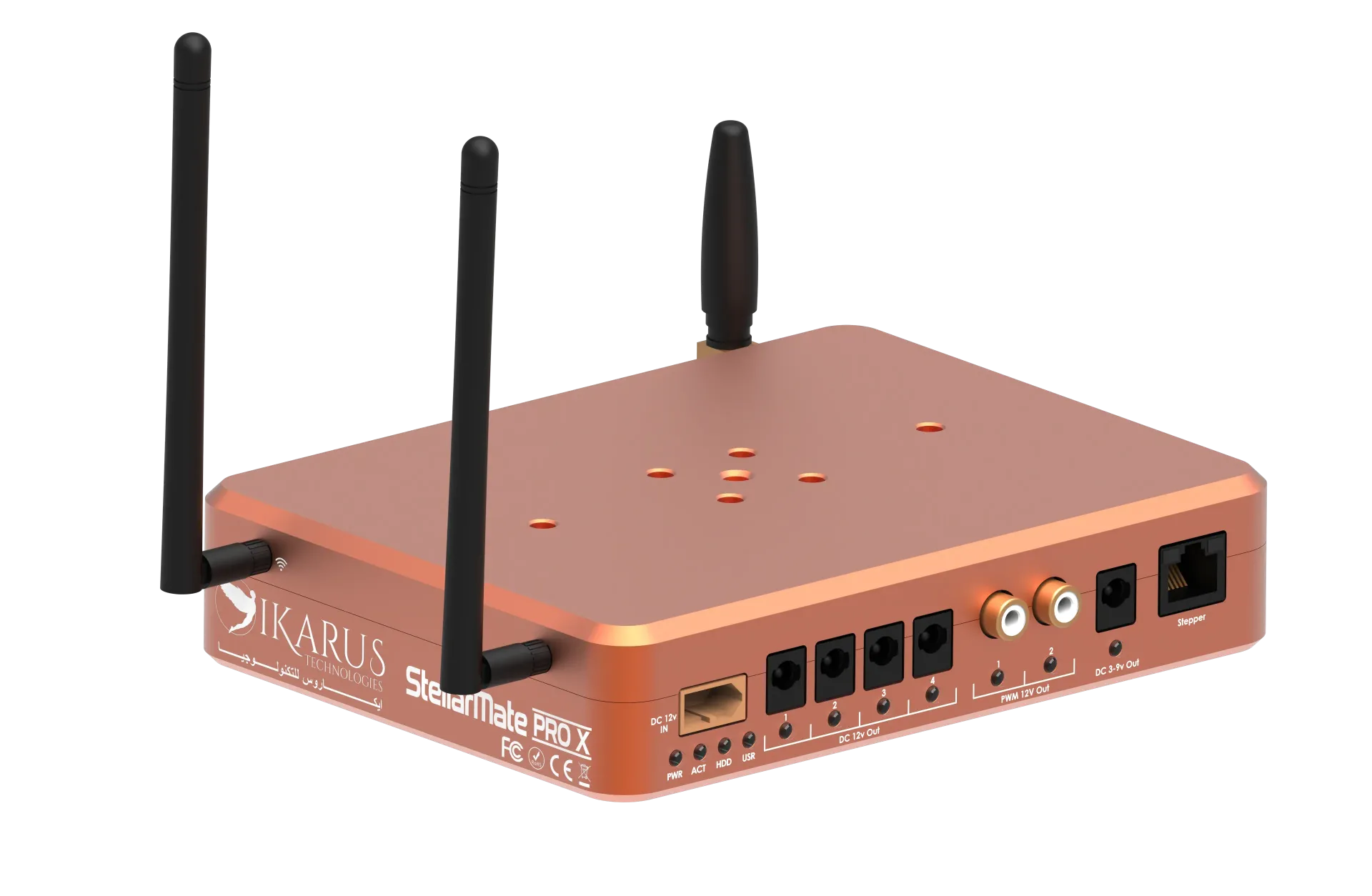
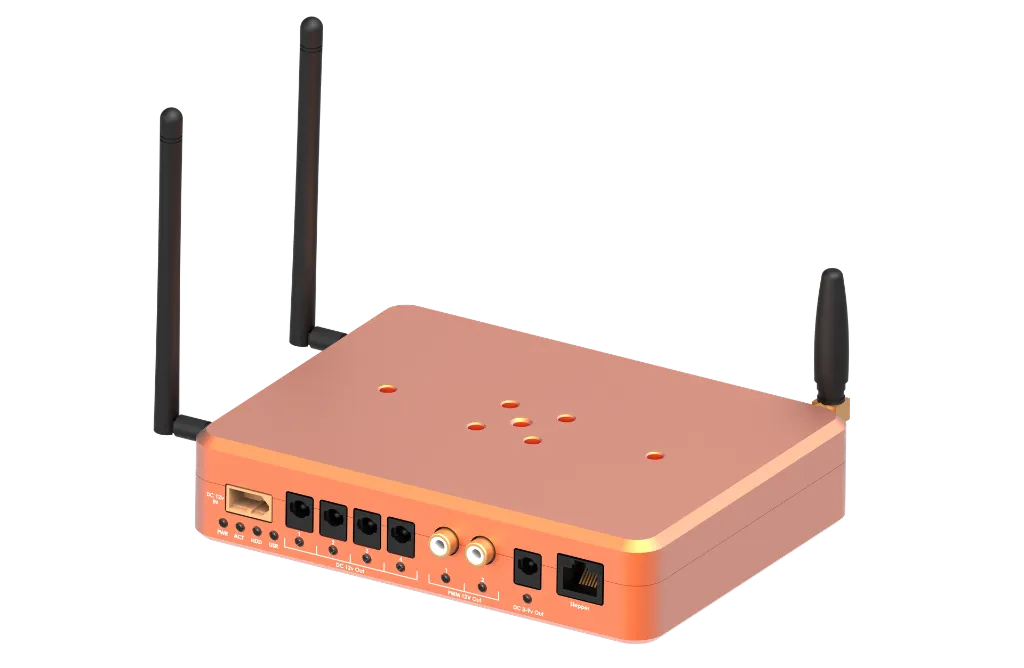
StellarMate Pro X incorporates a dedicated power distribution board that delivers regulated, switched, PWM, and variable outputs. Every port is individually controllable through the StellarMate App or Ekos Power Manager.
Power Input
- Input Options: Industrial XT-60 12 V DC input (10A)
- Operating Voltage: 12 V DC nominal (11 V–13 V operating range)
- Included Cables: 2x 5.5 x 2.1 mm DC barrel adapter cables
Auxiliary Sensor Port
- Port Type: External Sensor Interface
- Typical Applications: Temperature/humidity sensors, sky quality meters, environmental sensors
Power Output Summary
| Port | Qty | Voltage / Type | Control Type | Typical Application |
|---|---|---|---|---|
| DC Out | 4x | 12 V DC (Max 3A) | Software On/Off | Mount, primary camera, focuser, accessories |
| DEW Out | 2x | 12 V PWM (Max 3A) | Duty cycle (0–100%) | Dew heaters, variable-speed fans |
| Variable Out | 1x | 3–9 VDC adjustable (Max 3A) | Software controlled | Guide camera, electronic eyepiece, low-voltage gear |
| Stepper Out | 1x | Stepper signal | Step/Dir protocol | Motorized focuser / stepper accessories |
USB-C PD v3.0 | 1x | 60W | Always on. PD negotiable. | External auxiliary equipment requiring power. |
High-Speed Connectivity & Wireless
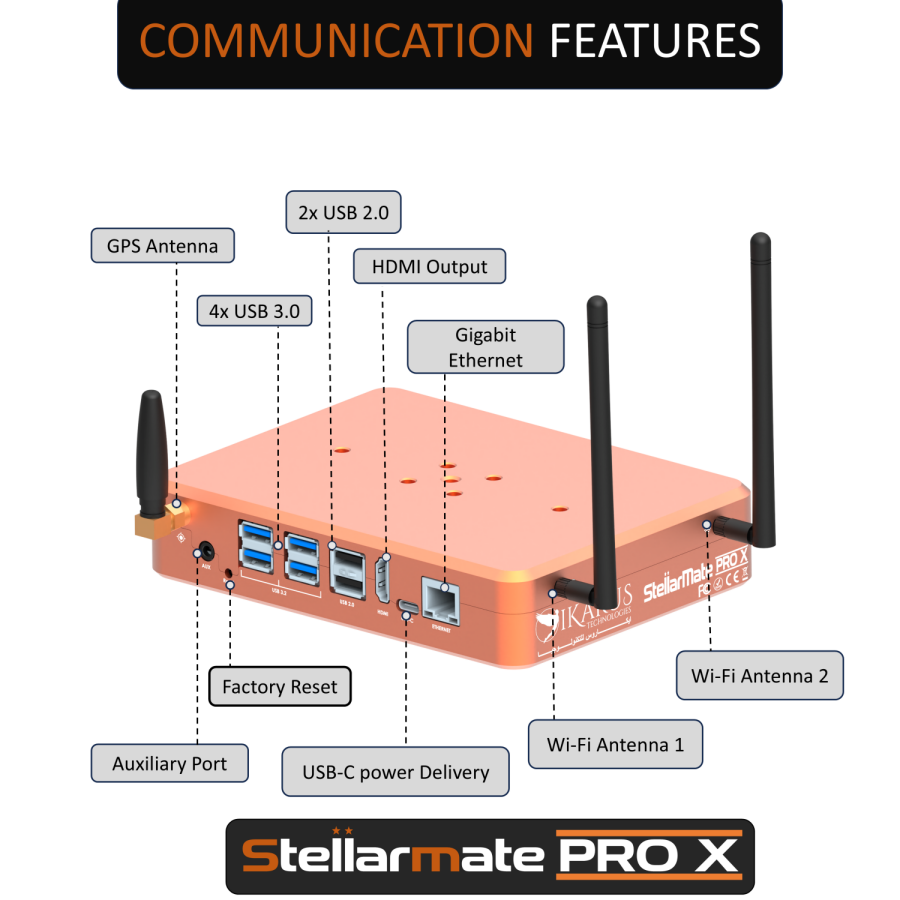
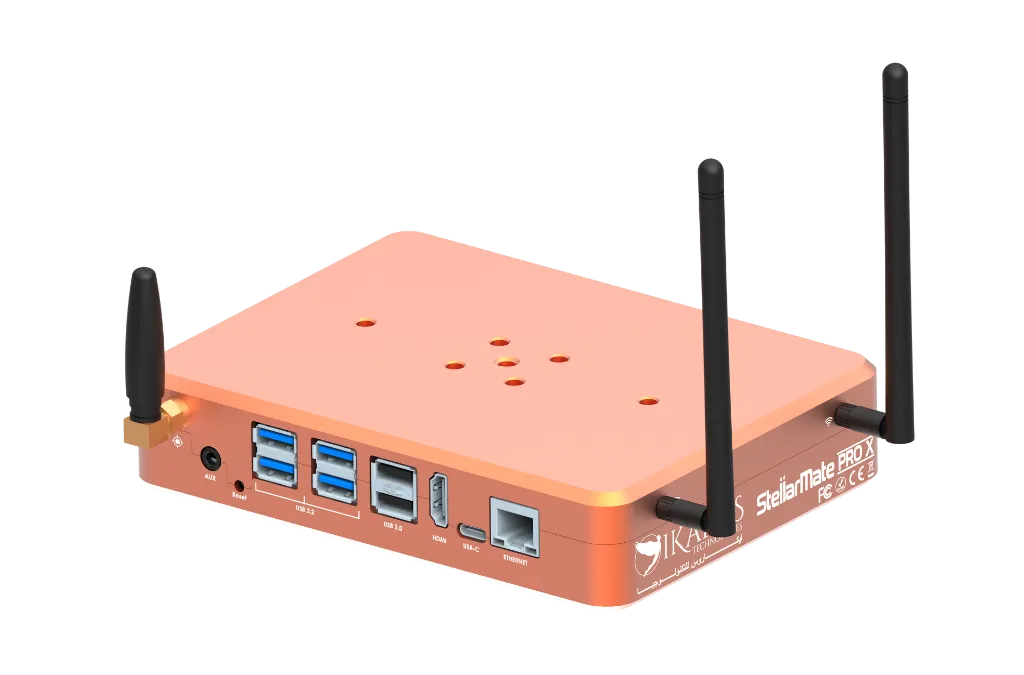
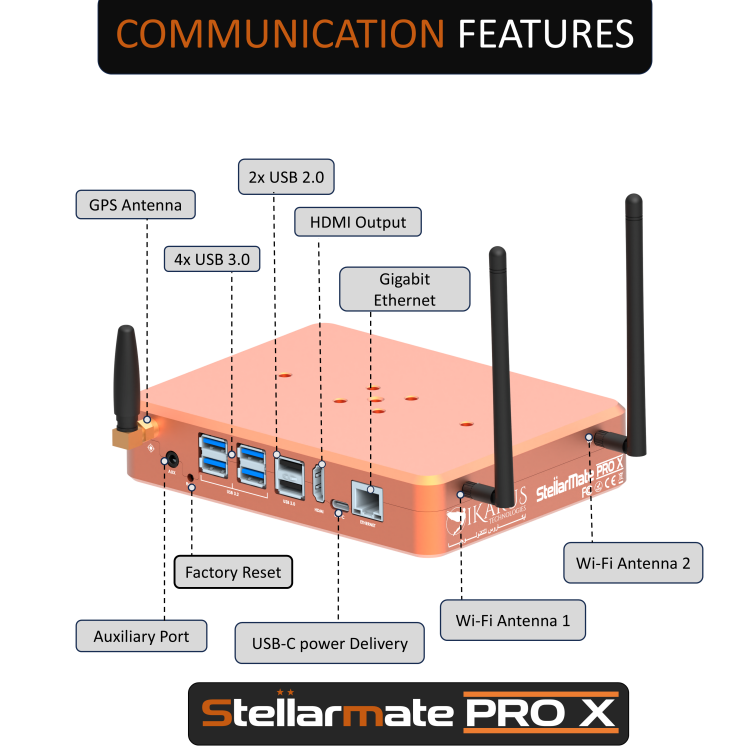
- USB 3.2 Ports (4x): High-speed data transfer for main cooled astronomy cameras, high-res guide cameras, and rapid frame transfers. 1.5A Max current per port.
- USB 2.0 Ports (2x): Dedicated connection for focusers, filter wheels, mount adapters, and dongles. 0.5A Max current per port.
- WiFi 6 & Bluetooth 5.3: Dual-band coverage (2.4 GHz / 5 GHz) for zero-lag remote imaging in crowded wireless environments. 2x2 MIMO High Gain Antennas.
- GPS Receiver: External SMA port (antenna included) for instant precise location coordinates and UTC time synchronization. Active GPS Antenna support.
- Gigabit Ethernet: 10/100/1000 Mbps RJ-45 port for ultra-smooth EkosLive streaming and direct wired network setup.
Software & Remote Control
StellarMate OS
- Core OS: Custom Linux distribution with Over-The-Air (OTA) updates.
- Astronomy Suite: Fully pre-configured KStars and Ekos.
- Driver Ecosystem: Integrated INDI Library supporting over 200+ astronomical devices.
- Remote Access: Web Manager interface and EkosLive cloud connection. LAN access via VNC. Internet access via Rustdesk.
StellarMate Companion App
- Platforms: Available on iOS (App Store) and Android (Google Play).
- Key Features: Interactive HiPS Sky Atlas, plate solving, autofocus, guiding, target scheduler, live stacking, and remote power port control.
Package Contents
- ✔ 1x StellarMate Pro X Astrophotography Controller
- ✔ 1x Male XT-60 to 12v DC Female 5.5x2.5 mm Adapter (DC 5525).
- ✔ 50cm & 100cm male-male DC Extension Cables (DC5521 5.5 x 2.1 mm)
- ✔ 1x Passive GPS Antenna
- ✔ 2x High Gain WiFi Antenna
- ✔ 1x Quick Start Guide
Equipment Compatibility Notice
Please check the INDI Devices Portal to ensure all your equipment is fully supported before placing an order.
Quick Start & Installation Guide
🛠️ Hardware Setup
- Antennas: Connect the WiFi and GPS antennas to their respective SMA ports.
- Power Connection: Plug the XT-60 power adapter into the unit. Ensure the female DC plug is connected to a stable 10A @ 12V DC power supply or battery (For stable operation, use SM Pro Official 10A Power Supply).
- Mounting: Attach the Universal Vixen/Losmandy Clamp (sold separately) via 4x M6 screws to clamp StellarMate Pro X directly to telescope dovetails.
📱 App Connection & First Run
- Connect your equipment (Mount, Main Camera, Guide Camera) via USB ports.
- Power on the unit. The Power and Activity LEDs will light up.
- Wait ~30 seconds for the unit to beep, indicating the unit is ready and the StellarMate HotSpot is broadcasted.
- Connect your phone/tablet to the Hotspot:
SSID: stellarmate | Password:stellar@mate - Open the App, register via the QR code on the unit bottom, tap RESCAN, select your device, and create your equipment profile!
| brand | Ikarus Technologies |