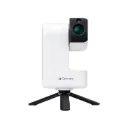




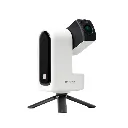
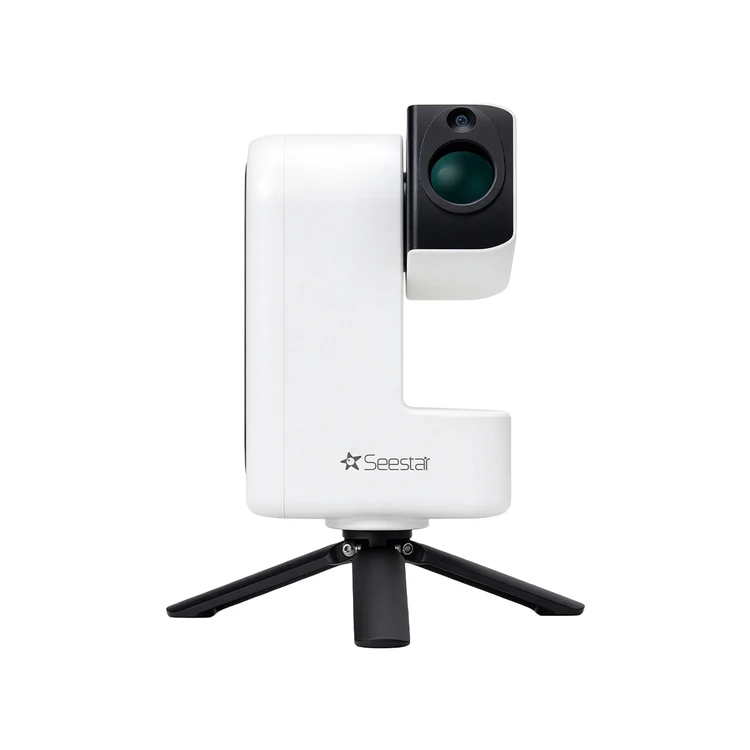
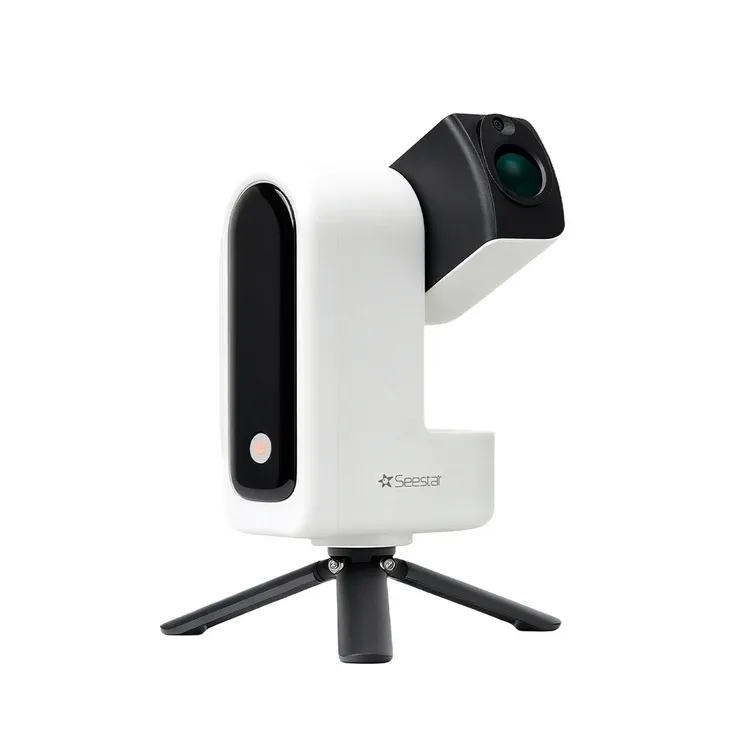
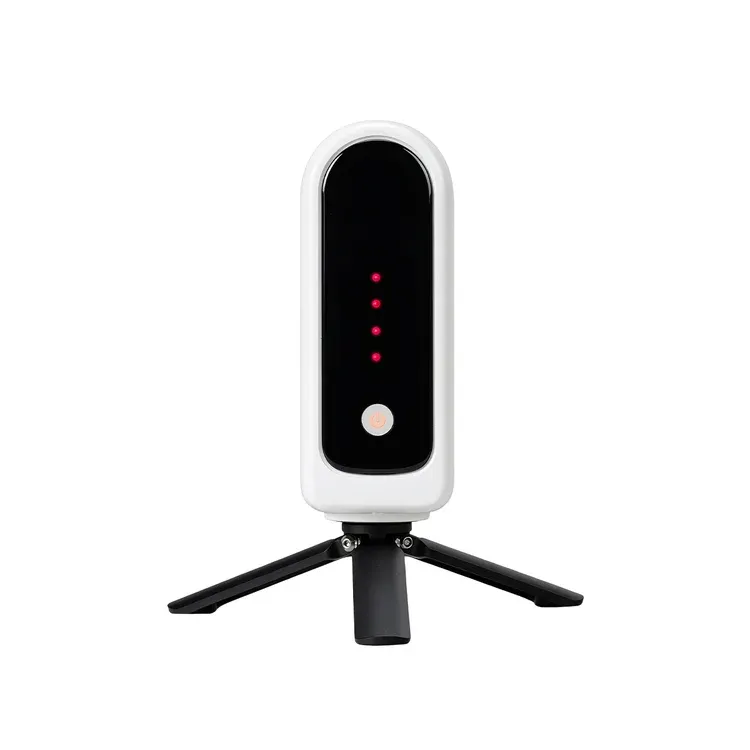
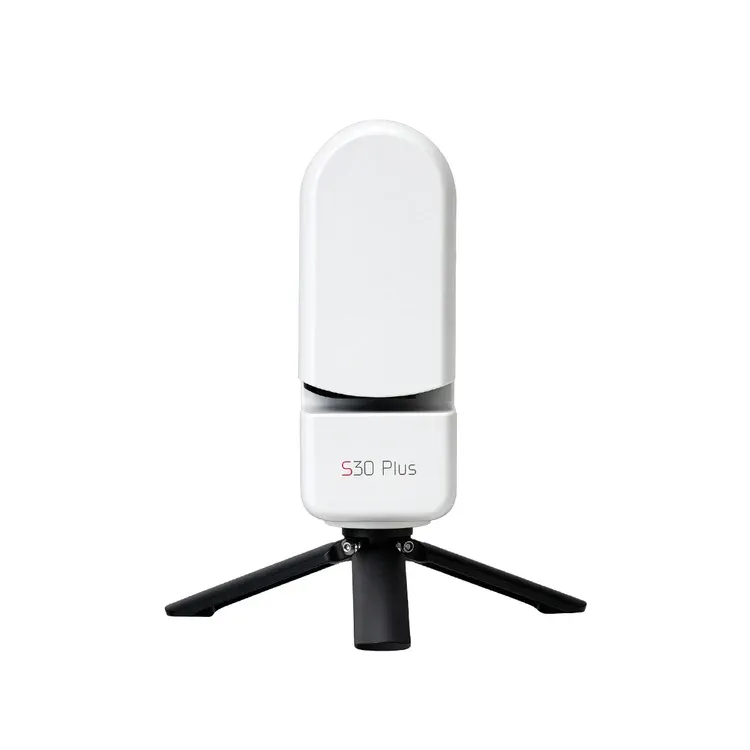
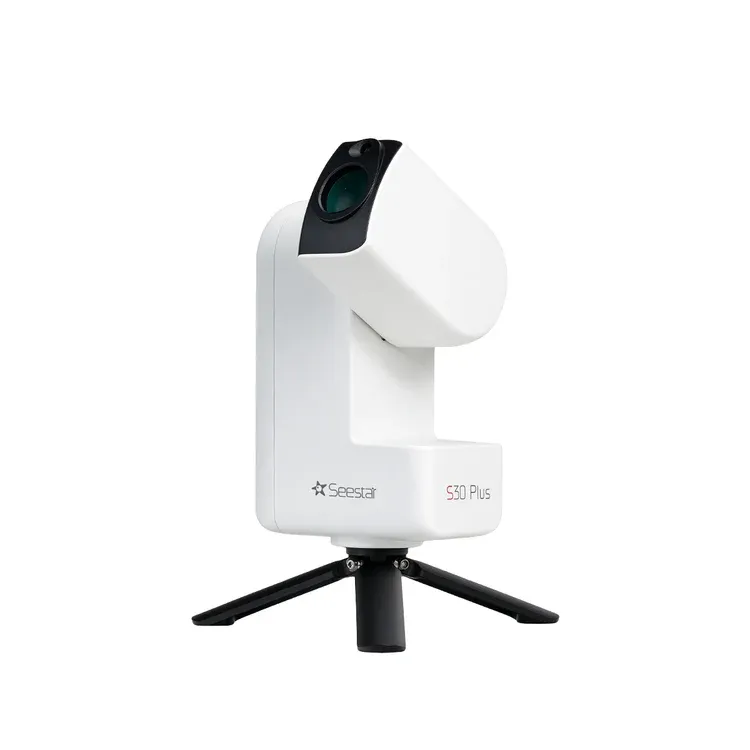
Seestar S30 Plus Smart Telescope
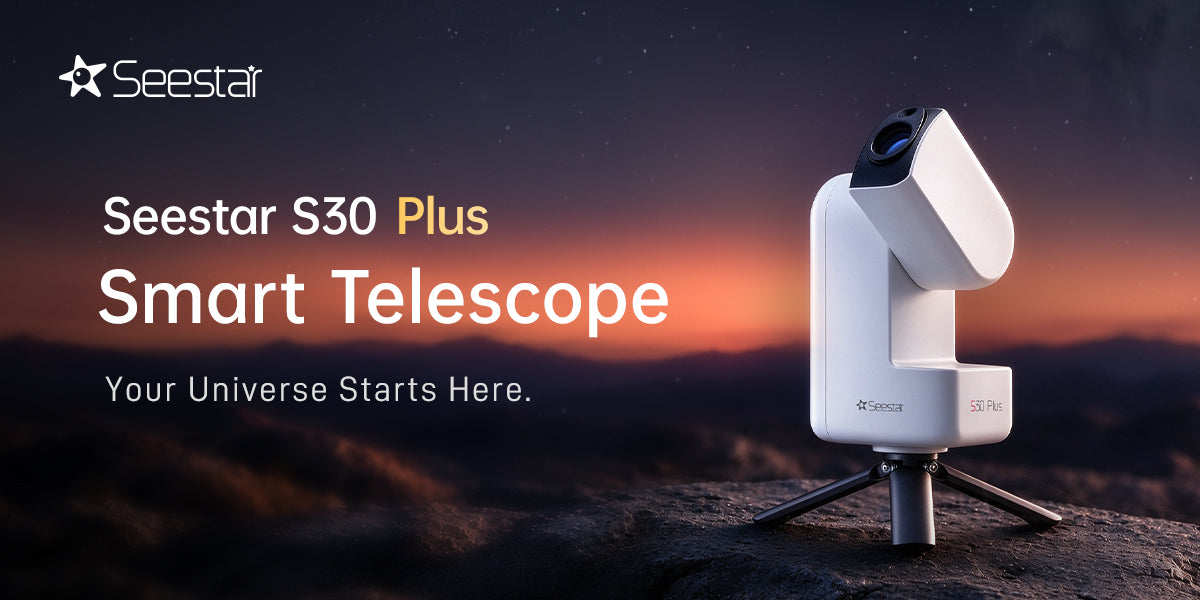
An all-in-one smart telescope with 2K dual lenses, four-element apochromatic optics and a built-in light-pollution filter — designed to take you from your first look at the Moon to deep-sky nebulae and the Milky Way, all from a single app.
2K Dual Lenses
Telephoto + Wide-angle
80,000+ Objects
One-tap GOTO
Up to 6 Hours
Battery life
1.65 kg
Compact & portable
A New Era of Astrophotography
Traditional astrophotography usually needs a telescope, an equatorial mount, a dedicated astronomy camera and a tangle of cables and setup steps. The Seestar S30 Plus brings the core imaging system together in one lightweight device. Mount it on a tripod, power it on and connect to the Seestar app — then start imaging from your backyard, a camping trip or a family outing.

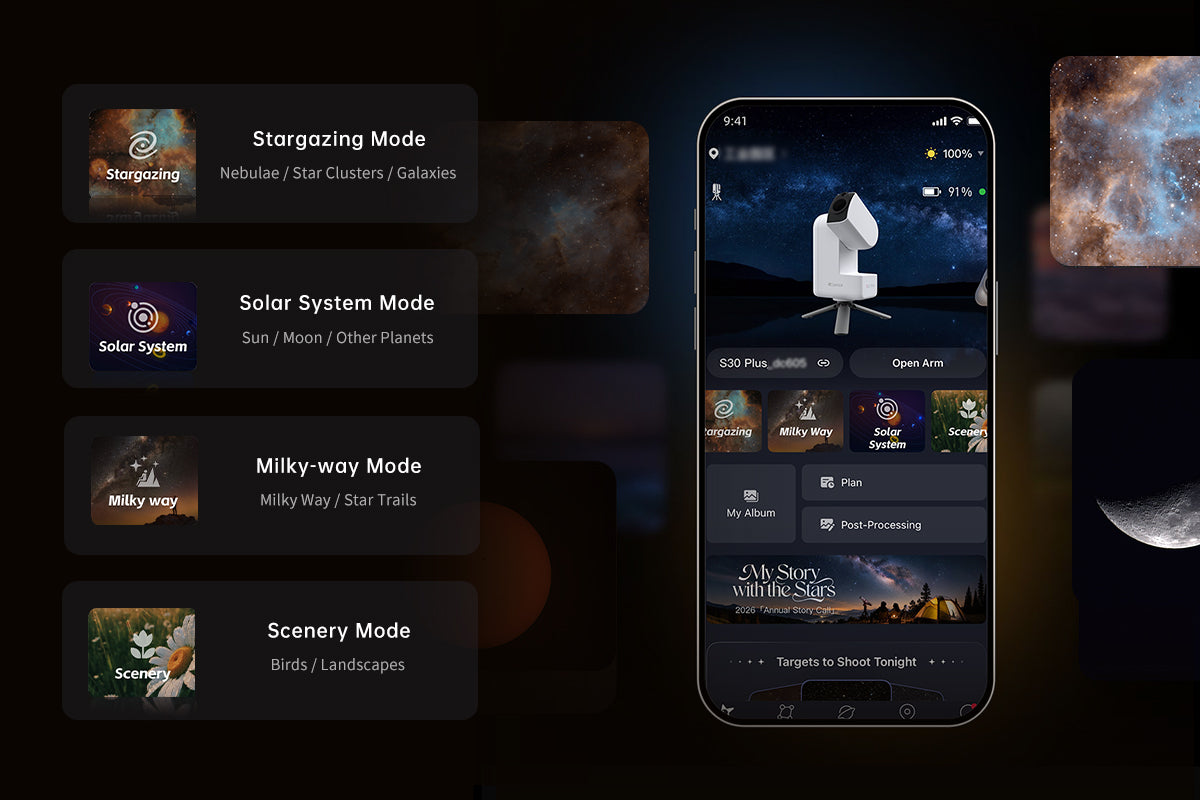
Four Imaging Modes
Four imaging modes cover deep-sky objects (nebulae, galaxies and star clusters), the Solar System (the Moon, planets and — with the solar filter — the Sun), wide-field night-sky scenes, and everyday terrestrial views.
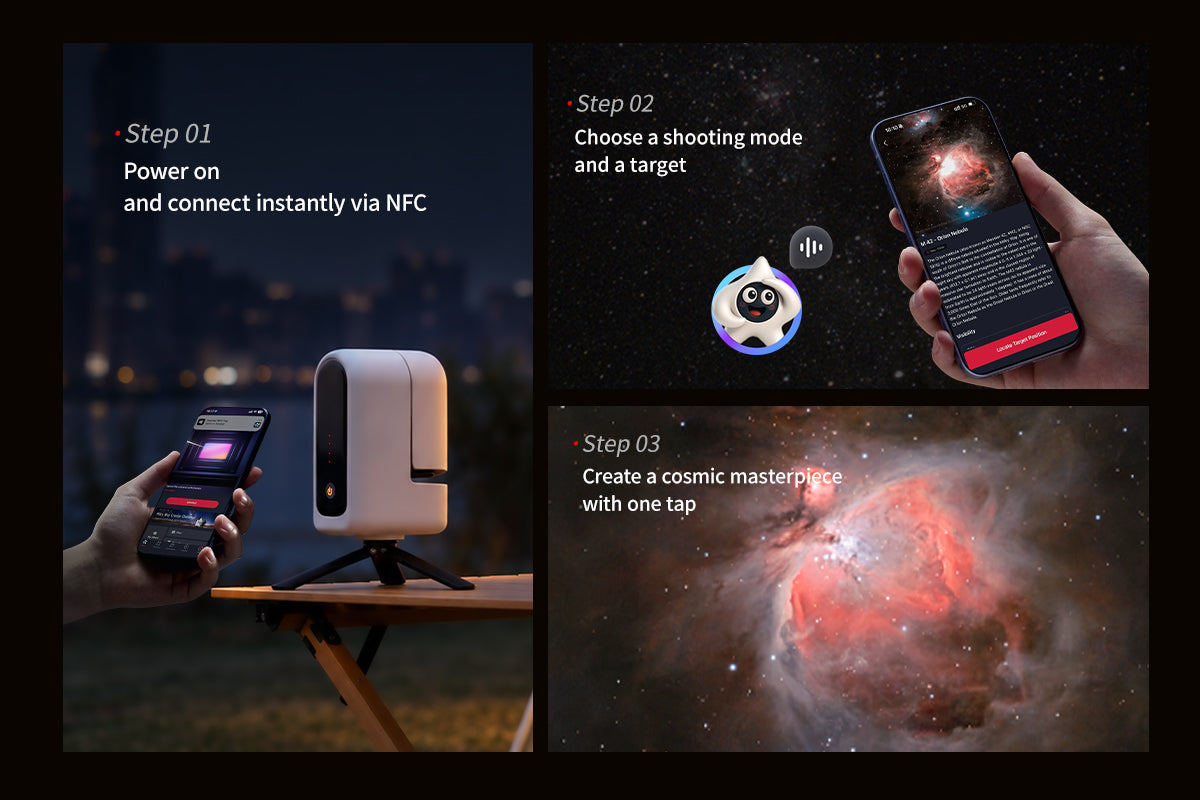
Three Simple Steps
- Mount the telescope on the tripod.
- Power it on and connect your phone through the Seestar app (Wi-Fi, Bluetooth or NFC).
- Pick a target from the app and tap GOTO — the S30 Plus finds, tracks and captures it, revealing more detail as frames stack.
Who Is It For?
- Beginners who want great results without manual settings.
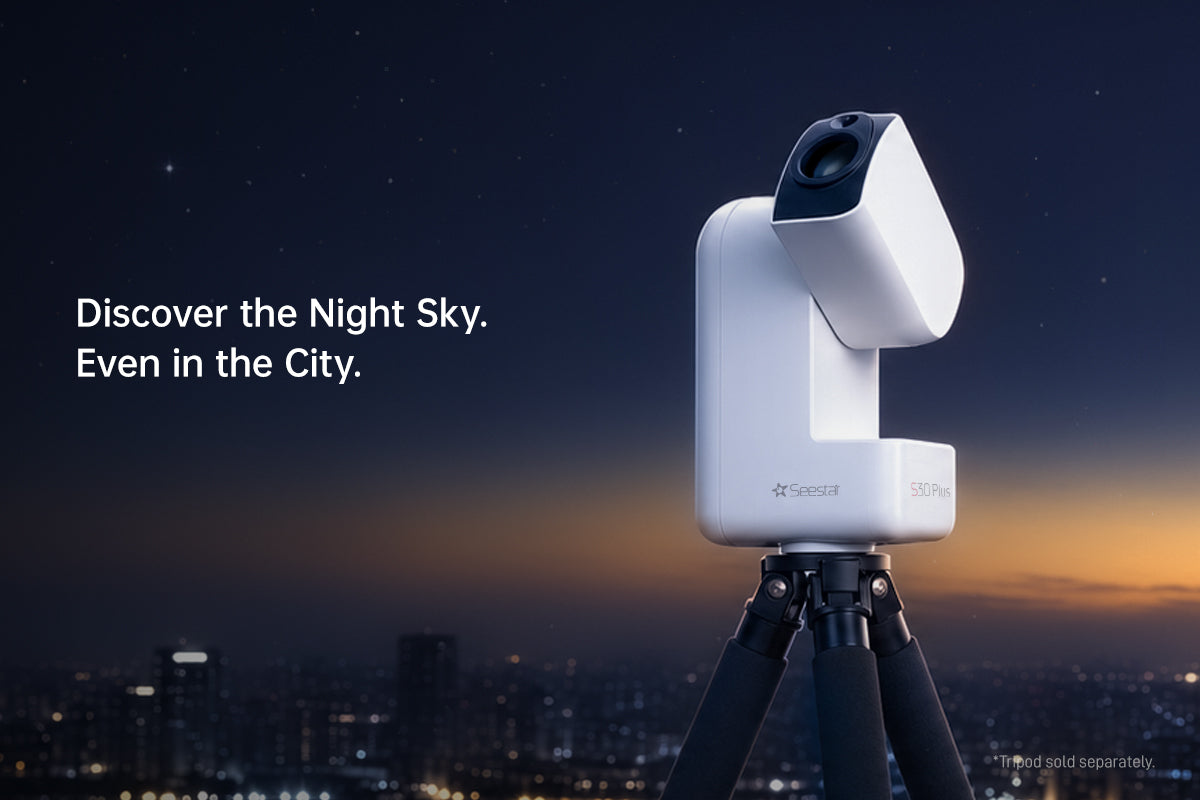
- City observers — the built-in light-pollution filter helps from balconies and backyards.
- Families who want to explore the Moon's craters and distant nebulae together.
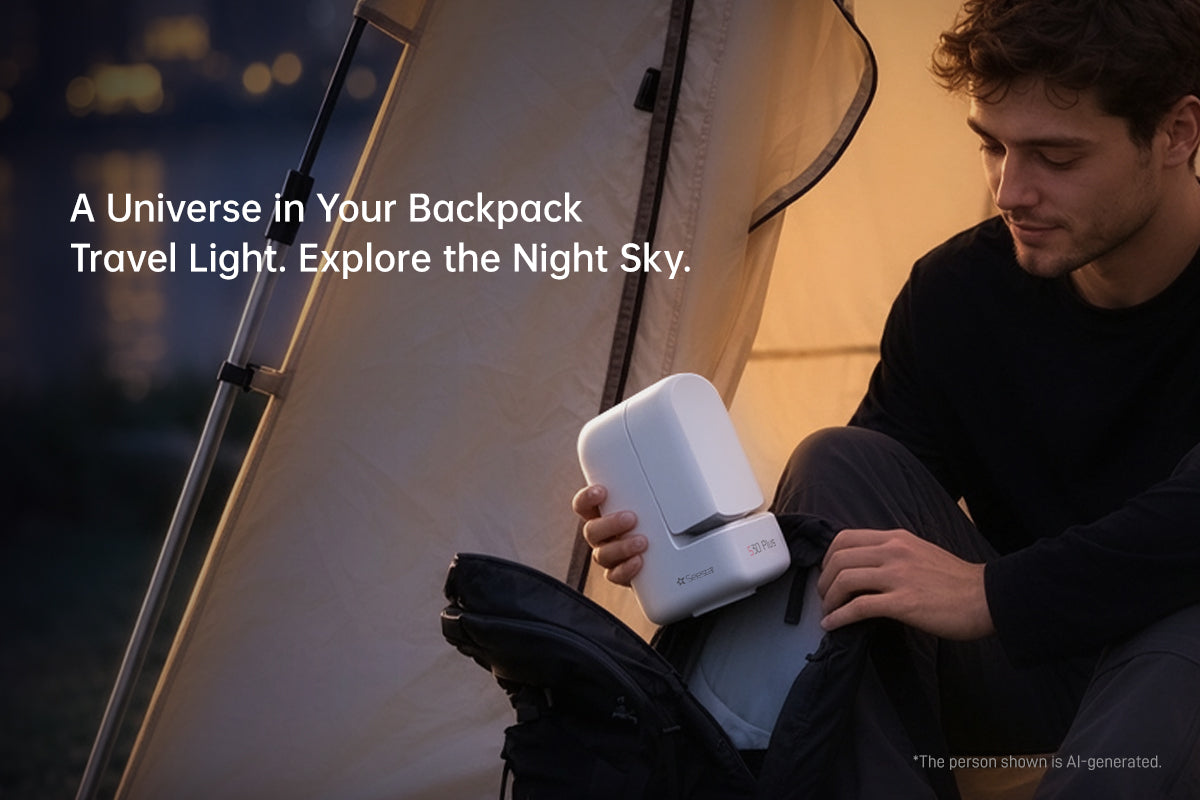
- Travelers and campers — at 1.65 kg it fits easily in a backpack.
- Gift-givers looking for a present a stargazer will actually use.

S30 Plus vs S30 Pro
Both models share the same optical and lens design, size and weight. Choose based on the field of view, resolution and creative tools you need.

| Feature | Seestar S30 Plus | Seestar S30 Pro |
|---|---|---|
| Positioning | Entry-level model | Higher-end creative model |
| Output resolution | 2K | 4K |
| Sensor | 1/1.8-inch type, 3.68 MP (telephoto) | 1/1.2-inch type, 8.3 MP |
| Wide-angle field of view | 43.5° | 63° |
| Optics and lens design | Shared design; 4-element apochromatic lens | Shared design |
| Dimensions / weight | 210 × 140 × 80 mm / 1.65 kg | 210 × 140 × 80 mm / 1.65 kg |
| Highlights | NFC connection, wide-field astrophotography, about 6 hours of battery life | Wide-angle stitching, one-tap Milky Way arch capture, simultaneous dual-camera capture |
| Best for | Beginners, families and gifts; Milky Way and wide-field scenes with little post-processing | Creative output, 4K resolution and a wider field of view |
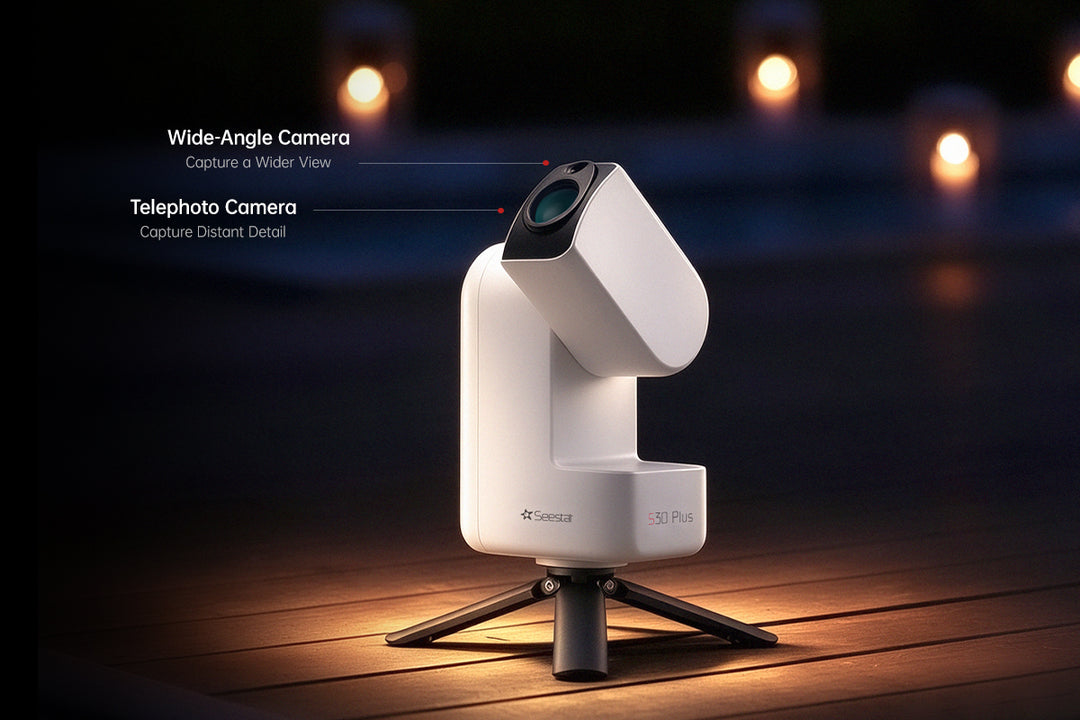
2K Dual-Lens System
A telephoto camera reveals fine detail in distant objects, while a wide-angle camera captures sweeping night-sky scenes — both at 2K resolution.
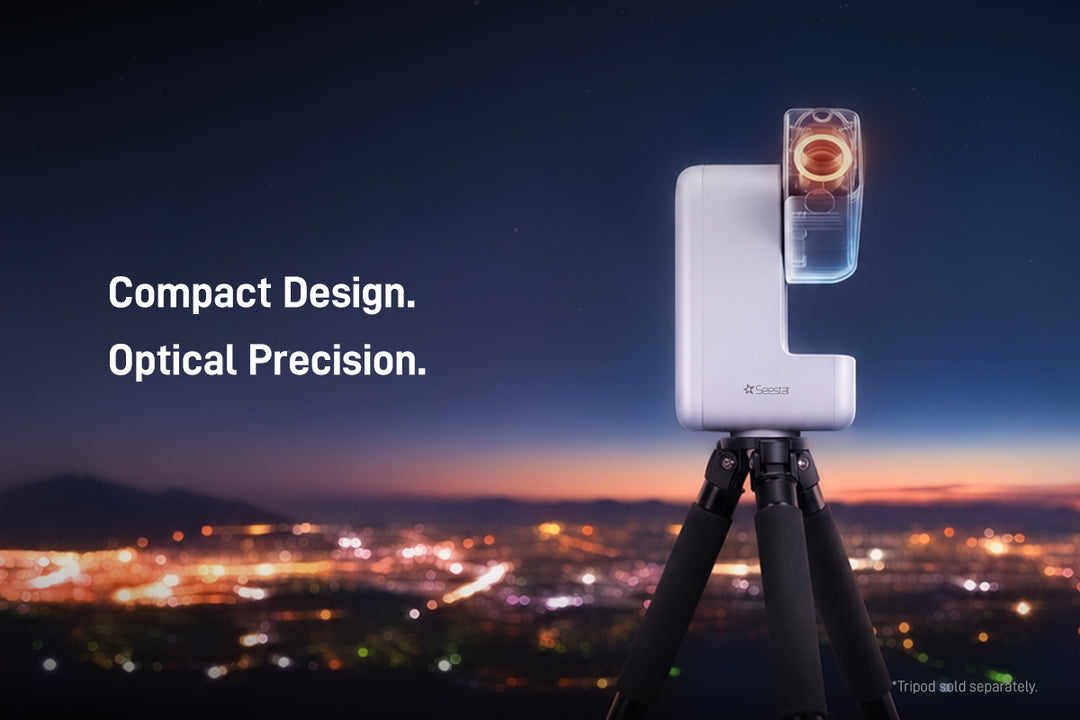
Compact Folded Optics
A folded optical path and a four-element apochromatic lens deliver a 160 mm focal length in a body measuring just 210 × 140 × 80 mm.
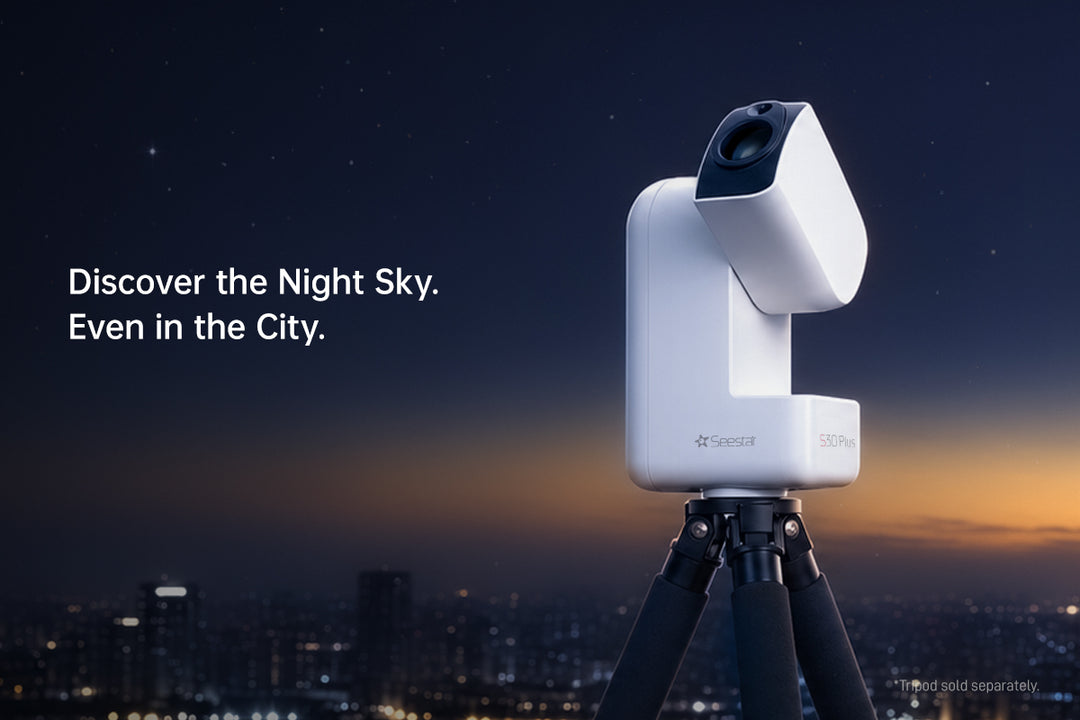
Built-in Light-Pollution Filter
A duo-band (OIII/Hα) filter works with live stacking to reveal nebulae and star clusters, even from a city balcony or backyard.
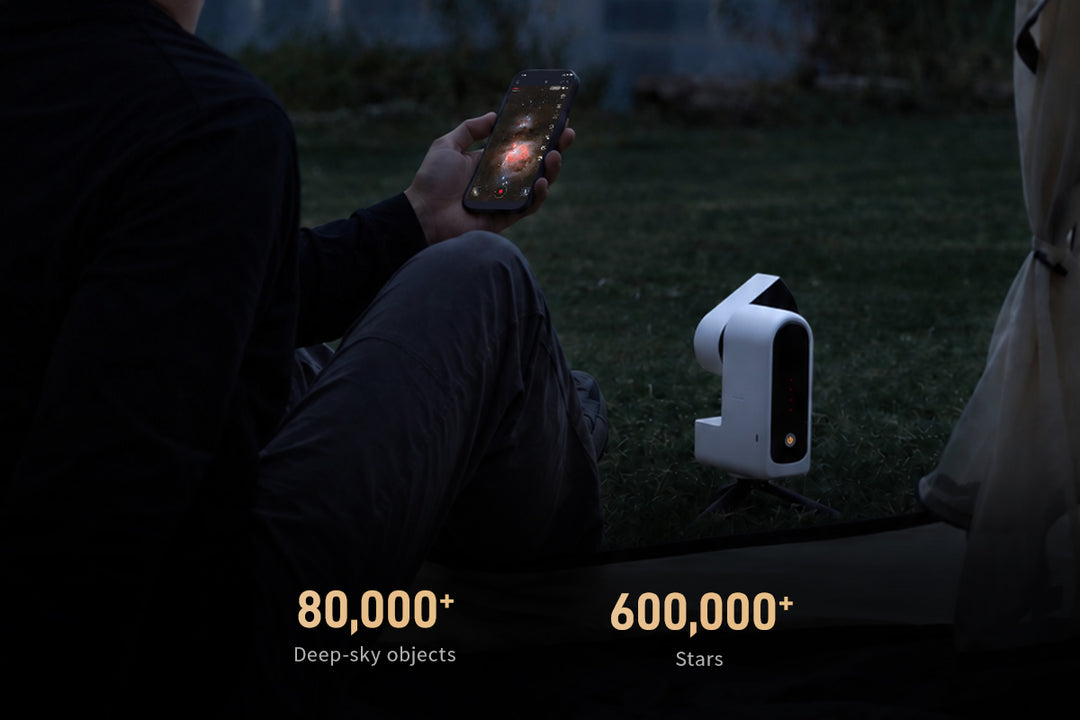
Tap, GOTO, Capture
Choose from more than 80,000 celestial objects, tap GOTO, and the telescope locates, tracks and images the target automatically.
Fully Automatic Operation
Automatic target finding, tracking, image alignment and focusing with no manual settings. Advanced users can still adjust exposure, filter and zoom.
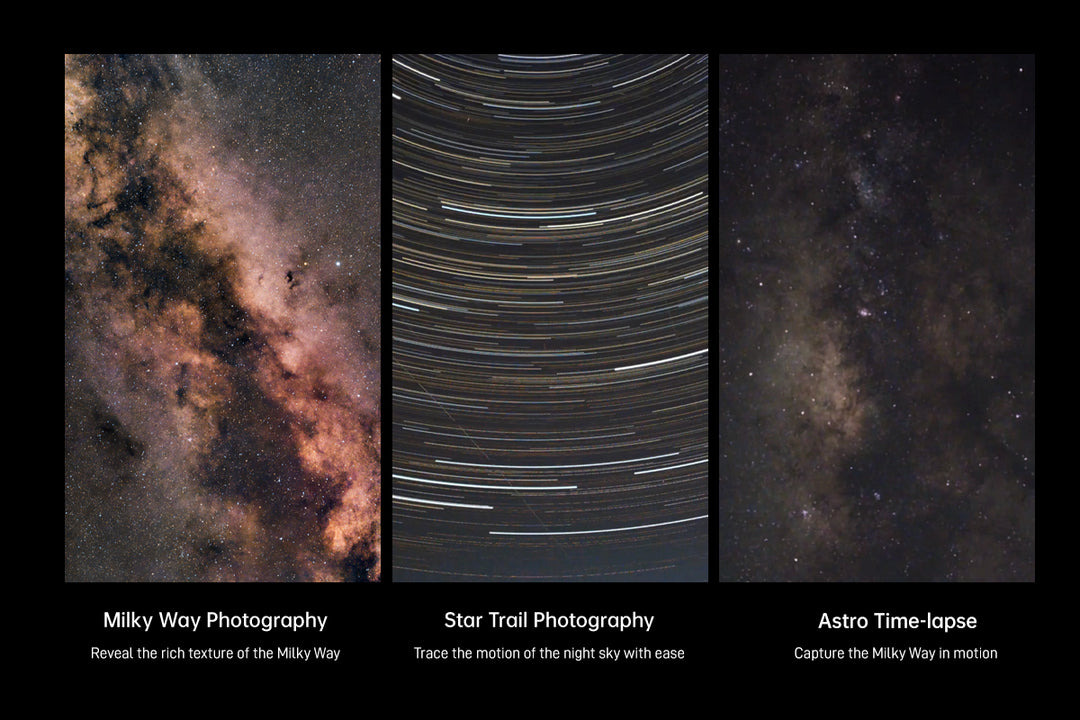
Wide-Field Astrophotography
Capture the Milky Way, star trails and meteors. The portrait-oriented wide-angle sensor helps fit more of the Milky Way band into one frame.
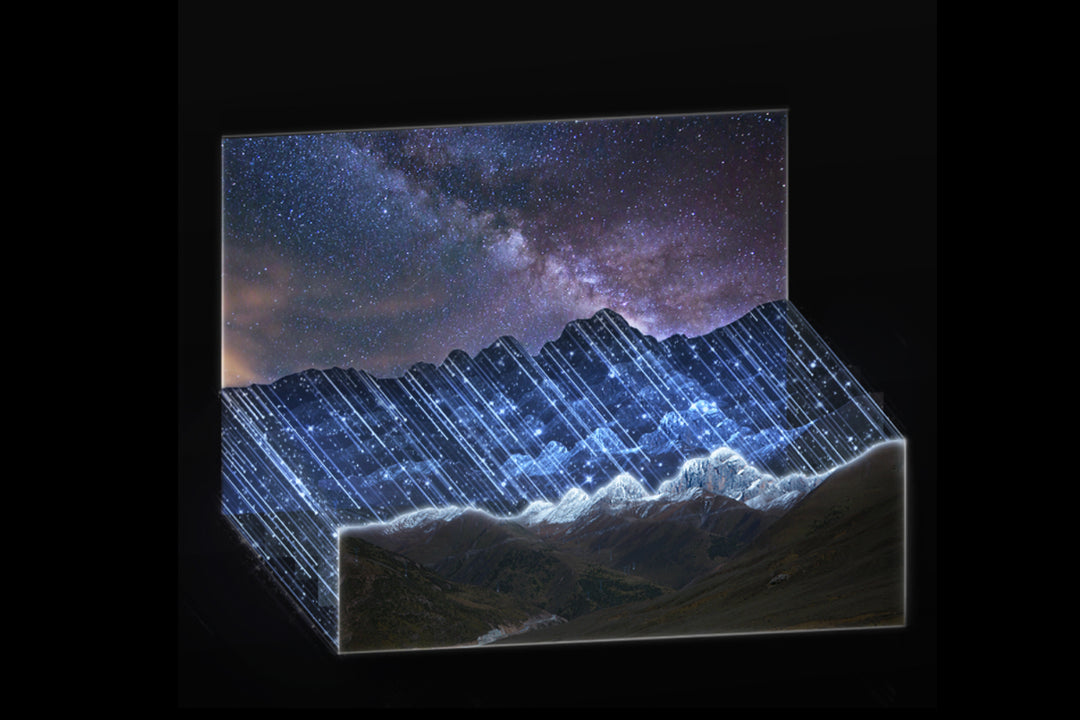
Landscape Freeze
Detects the foreground and processes it separately from the sky, so stars stay sharp while the landscape remains clean and natural. Freeze duration is adjustable.
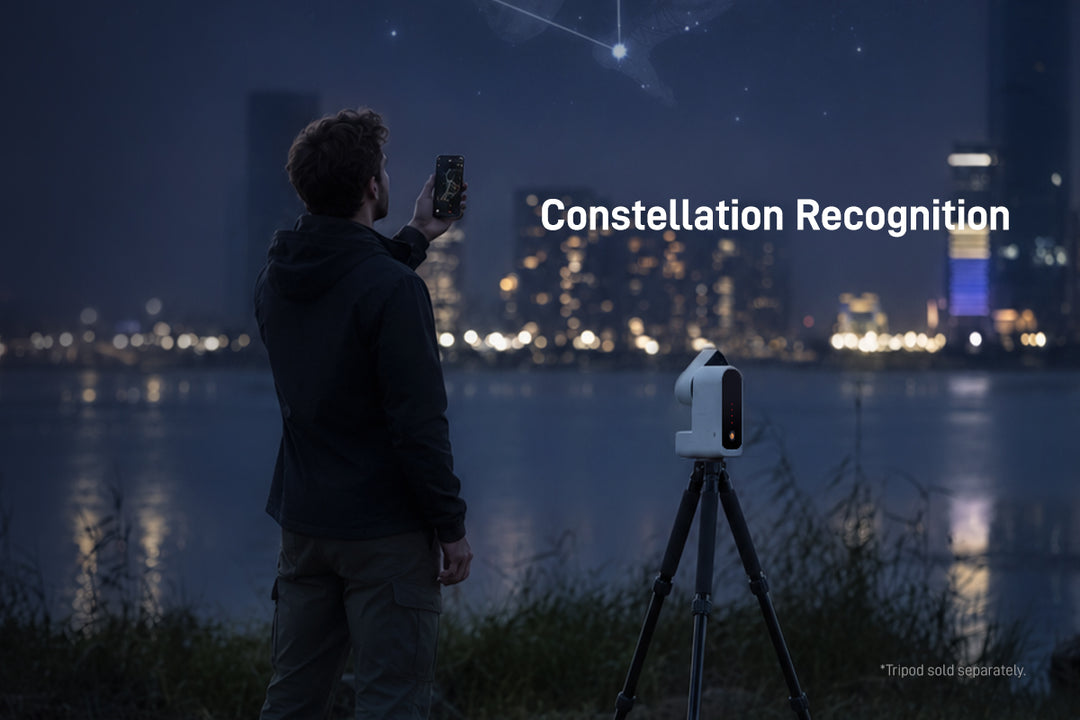
Constellation Recognition
Show constellation lines and labels with one tap, then use GOTO to point at them quickly — ideal for beginners.
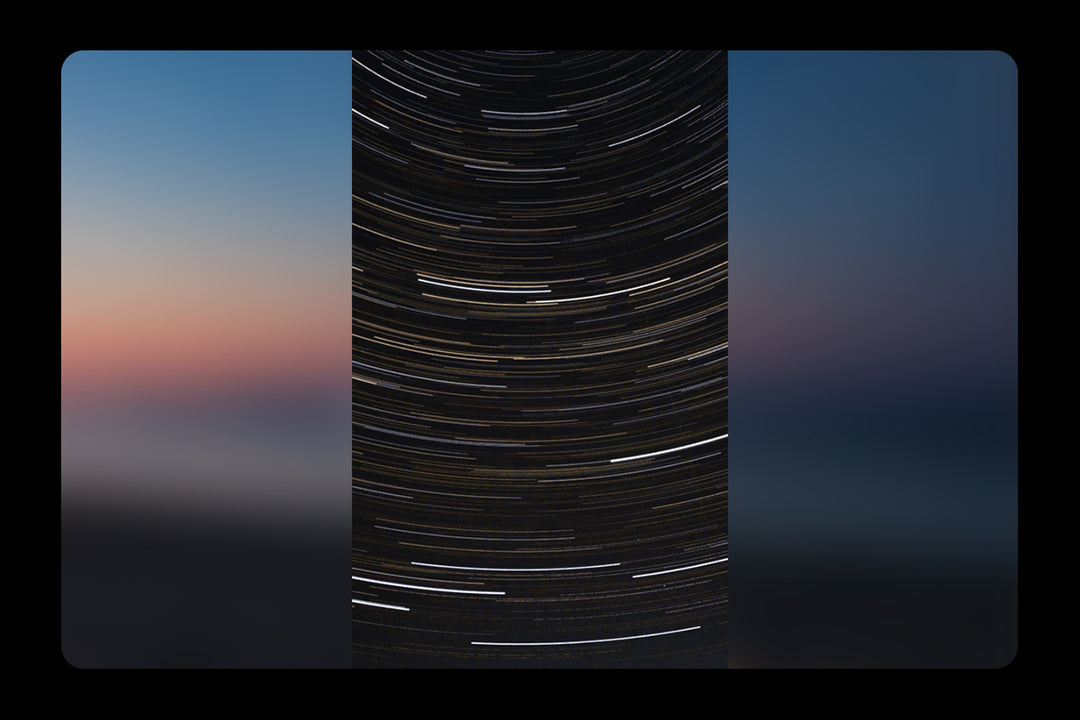
Star Trail Videos
Automatically turn star-trail captures into animated videos that show the trails lengthening as the sky moves.
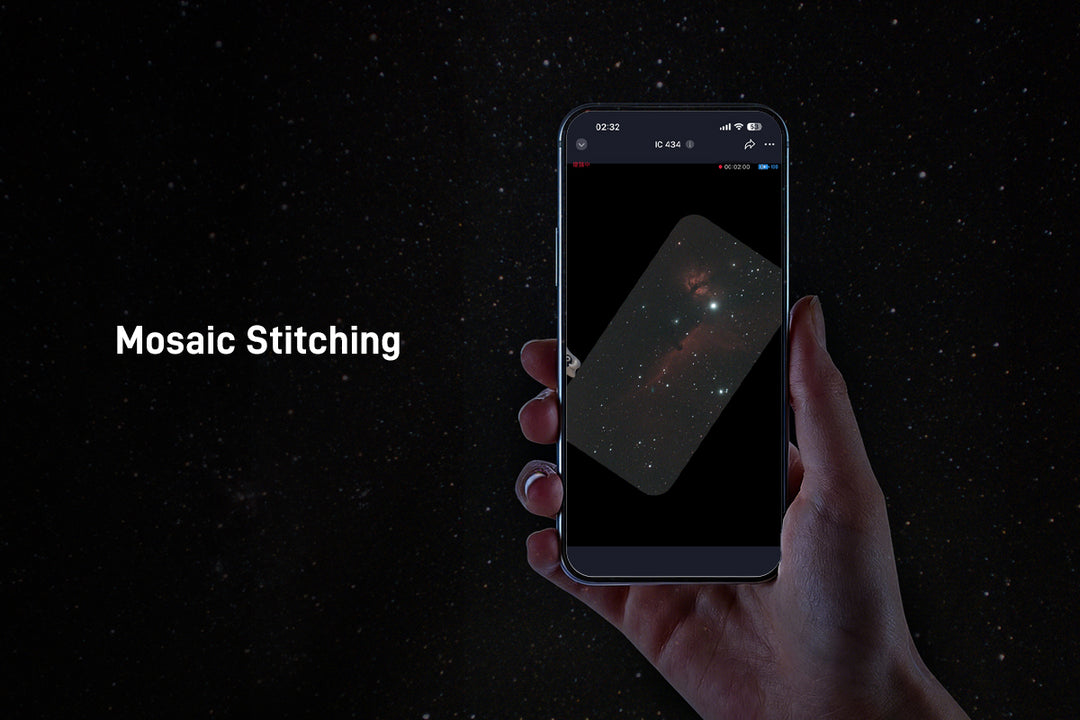
Mosaic Stitching
Captures overlapping frames across an area you choose and stitches them automatically into one wider image.
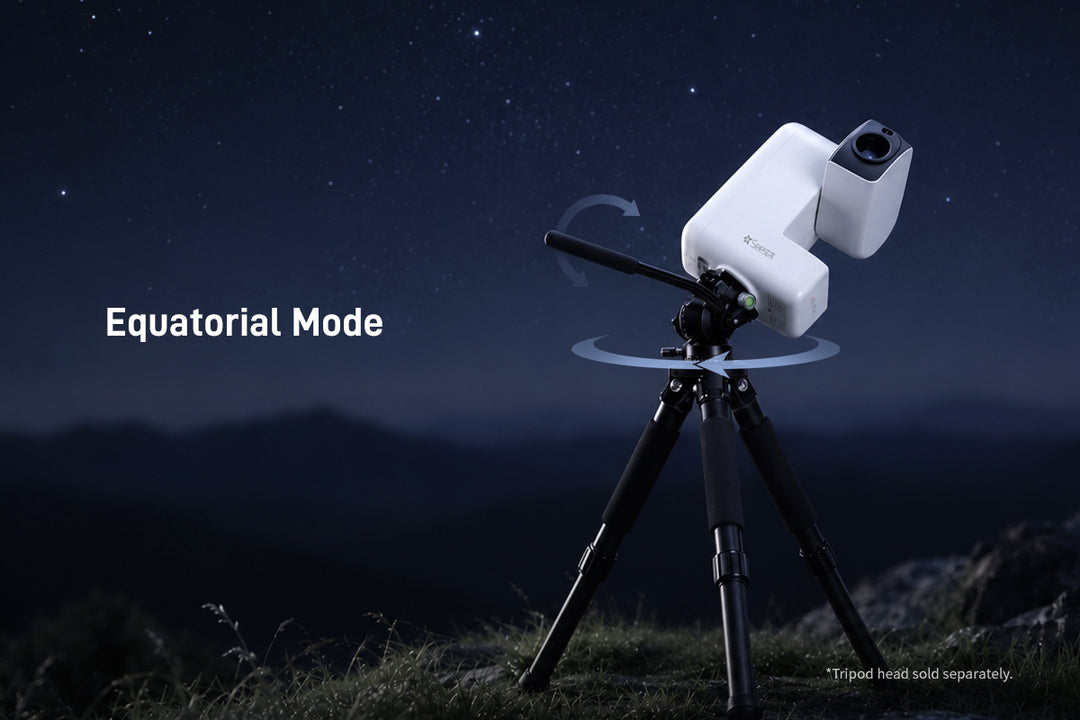
Equatorial (EQ) Mode
Compensates for Earth's rotation for steadier tracking and longer exposures (up to 60 seconds, with accurate polar alignment). The TH10 + TC20 bundle is recommended.
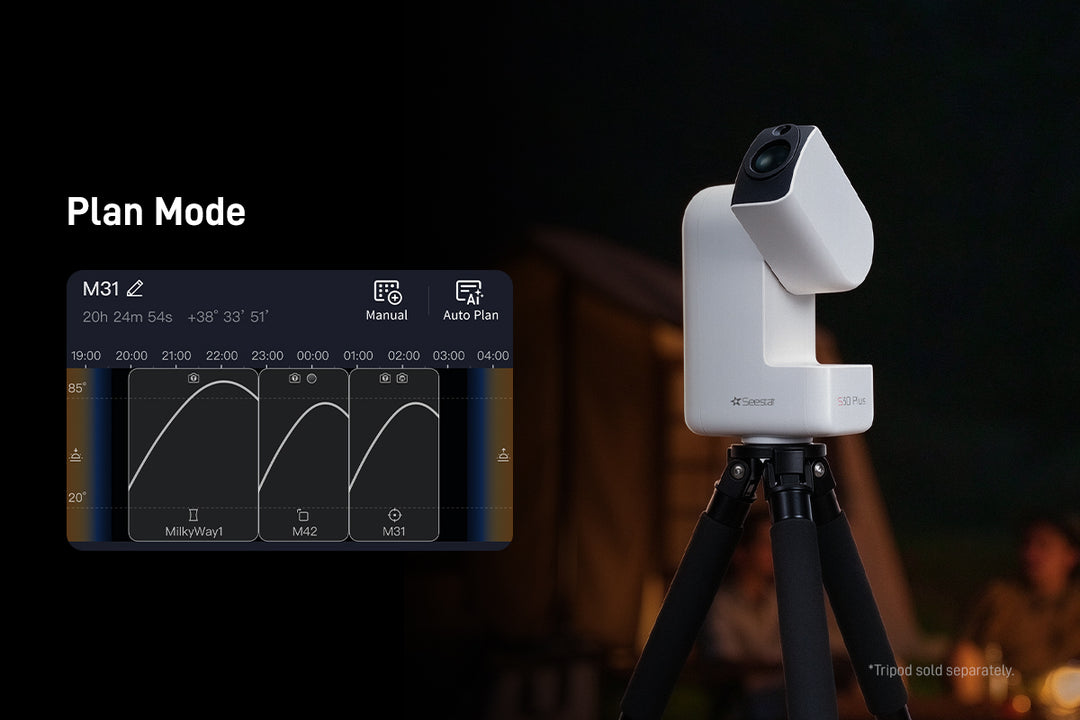
Plan Mode
Build an imaging plan — or generate one with a single tap — and let the telescope move from target to target through the night.
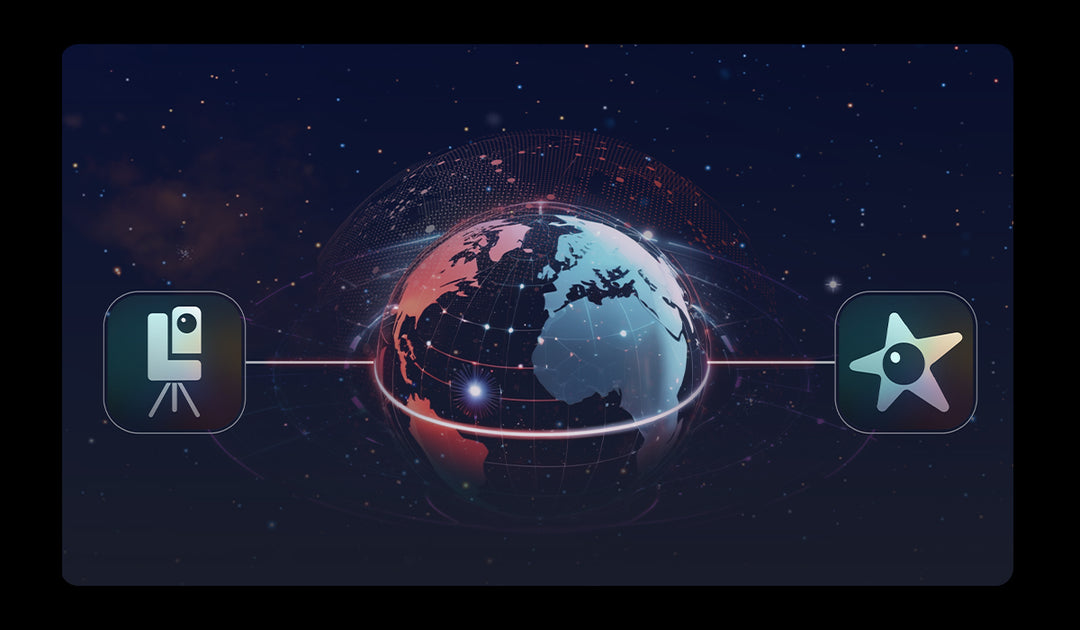
Remote Control
Use Telescope Network in the app to operate a remote S30 Plus under darker skies: check local conditions, select targets and manage files. Free trial during the beta period.
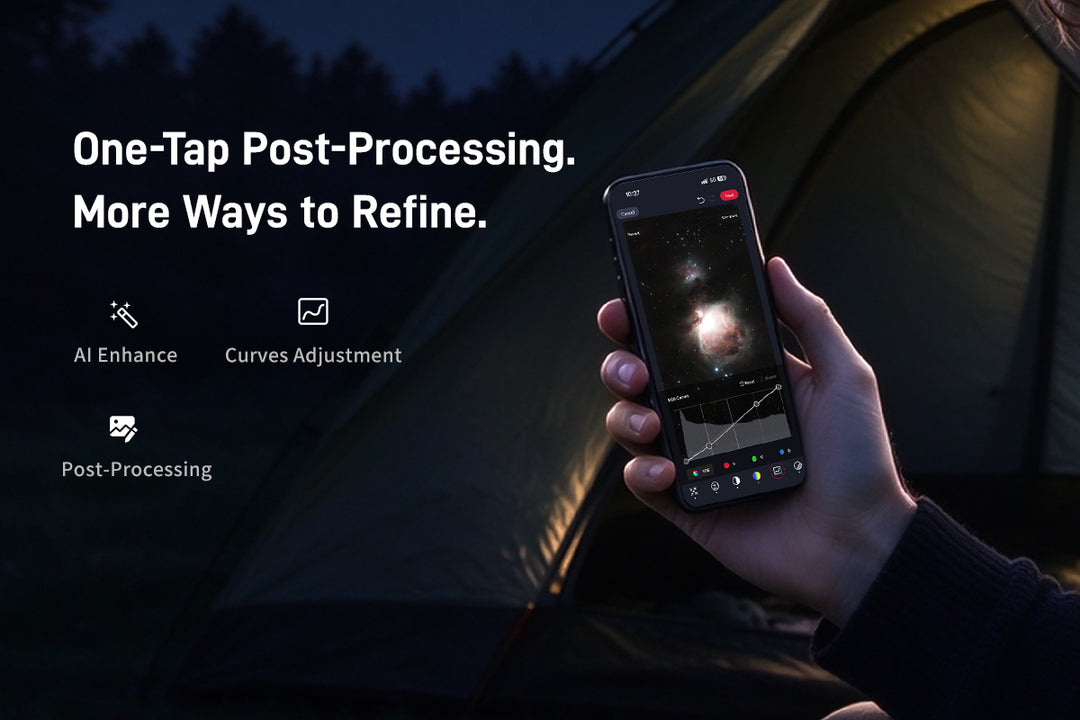
One-Tap Post-Processing
Enhance images in one tap, or fine-tune them with star removal and reduction, noise reduction, brightness, contrast, saturation, cropping and flipping.
NFC Quick Connect
Tap a compatible phone against the telescope to connect — no manual pairing needed.
Active Anti-Dew Control
Helps prevent fogging during long outdoor sessions.
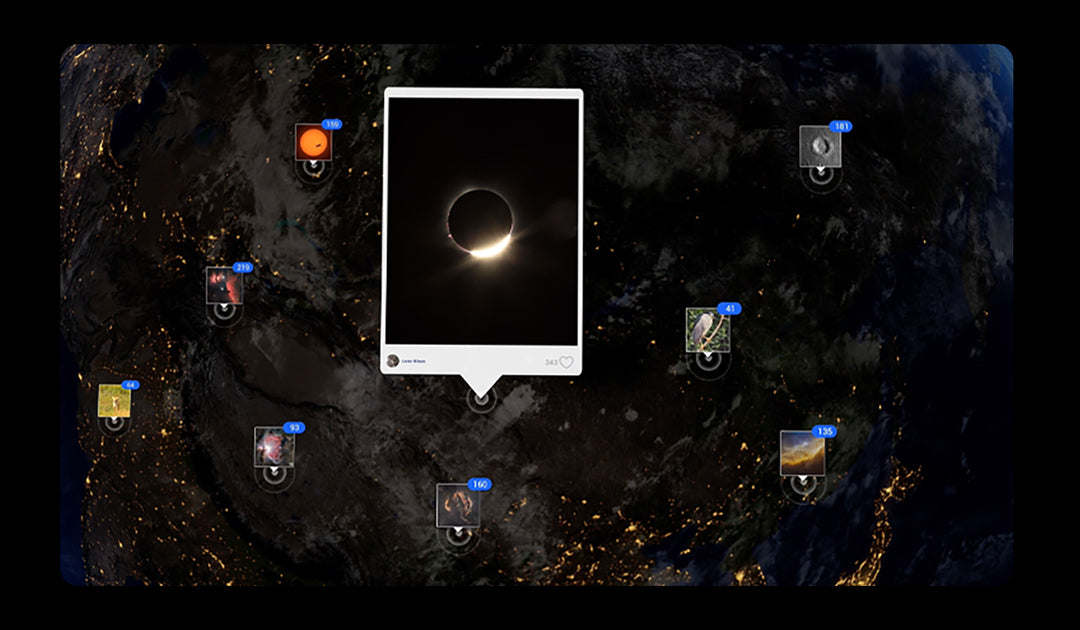
AstroImg Community
Share your images and find inspiration among astrophotographers in more than 100 countries.
| Optics & Imaging | |
|---|---|
| Model | Seestar S30 Plus |
| Optical design | Folded optical path; 4-element apochromatic (APO) lens system |
| Telephoto sensor | 1/1.8-inch type CMOS, SC485SL (3.68 MP) |
| Wide-angle sensor | 1/2-inch type CMOS, IMX586 |
| Resolution | Telephoto: 1440 × 2560 (portrait, 2K) Wide-angle: 1440 × 2560 (cropped, portrait) |
| Aperture | Telephoto: 30 mm Wide-angle: 3.4 mm |
| Focal length | Telephoto: 160 mm Wide-angle: 6 mm |
| Equivalent focal length | Telephoto: 815 mm Wide-angle: 55 mm |
| Focal ratio | Telephoto: F/5.3 Wide-angle: F/1.75 |
| Field of view | Telephoto: 3° Wide-angle: 43.5° (cropped) |
| Working distance | Telephoto: 6 m to infinity Wide-angle: 0.1 m (10 cm) to infinity |
| Built-in filters | UV/IR-cut filter (telephoto + wide-angle) Duo-band filter, OIII 30 nm / Hα 20 nm (telephoto only) Dark filter (telephoto only) |
| External filter | Magnetic solar filter |
| Image / video formats | JPEG, FITS / MP4, AVI |
| Mount & Motion | |
| Mount type | Alt-azimuth (supports Equatorial Mode) |
| Tripod interface | 9.5 mm (3/8 inch) thread, 16 TPI (1.59 mm pitch) |
| Slew rate | 1X – 1440X |
| Auto homing | Supported |
| Power & Connectivity | |
| Battery | 6000 mAh; up to 6 hours per full charge (ZWO laboratory test) |
| Power input | USB Type-C, DC 5 V / 3 A |
| Connectivity | Wi-Fi (2.4 GHz / 5 GHz), Bluetooth, USB Type-C, NFC |
| Wi-Fi range | Up to 10 m (open outdoor area, no interference) |
| Bluetooth range | Up to 5 m |
| Wi-Fi reset | Supported |
| Storage | |
| Internal storage | 64 GB (approx. 45 GB usable) |
| Operating Environment | |
| Working temperature | -10 °C to 40 °C (recommended) |
| Charging temperature | 0 °C to 40 °C |
| Storage temperature | -10 °C to 60 °C |
| Operating humidity | 20% – 80% |
| Storage humidity | 20% – 50% |
| Physical | |
| Dimensions (H × W × D) | 210 × 140 × 80 mm (21 × 14 × 8 cm), telescope closed |
| Net weight | 1.65 kg (without tripod) |
Important Notes
- Imaging results depend on light pollution, atmospheric transparency, settings and stacking time. Milky Way imaging requires dark-sky conditions.
- Up to 9 hours of battery life is possible under specific conditions (ambient temperature above 25 °C, Alt-Azimuth Mode, telephoto stargazing mode). Figures come from ZWO laboratory tests and may vary in real use.
- 60-second exposures are available only in Equatorial Mode and require accurate polar alignment.
- Smart Enhancement reduces noise and enhances stars in your real captures; it does not generate AI images.
- NFC requires a compatible smartphone with Wi-Fi, Bluetooth, NFC and GPS enabled; support varies by phone model.
- Plan Mode can be interrupted by sudden clouds, rain or strong wind, and the device does not power off automatically — check the weather before scheduling a plan.
- Available storage may change with system updates.
- Handle the telescope with care: it is a precision optical and electronic instrument. Avoid drops and strong impacts.
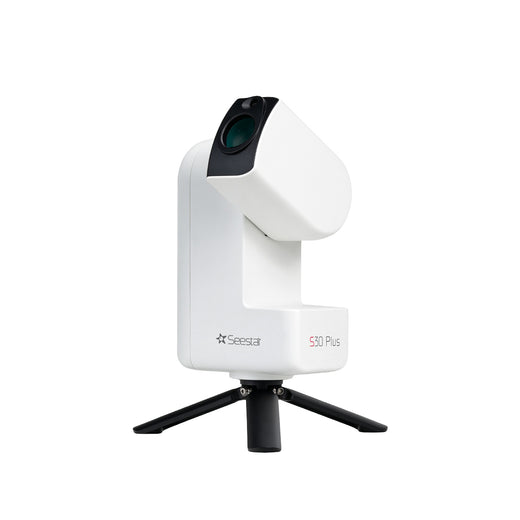
Seestar S30 Plus Smart Telescope
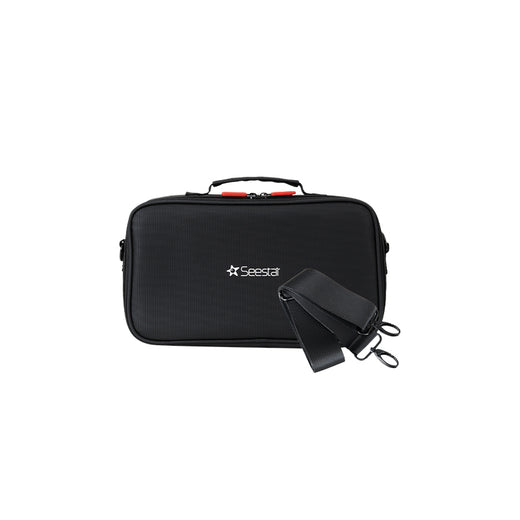
Protective carrying case with shoulder strap
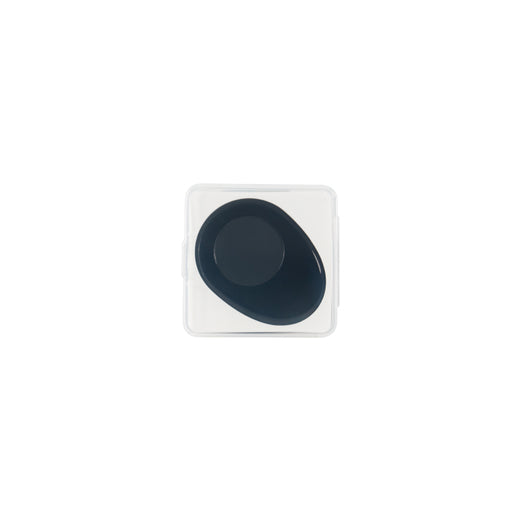
Magnetic solar filter
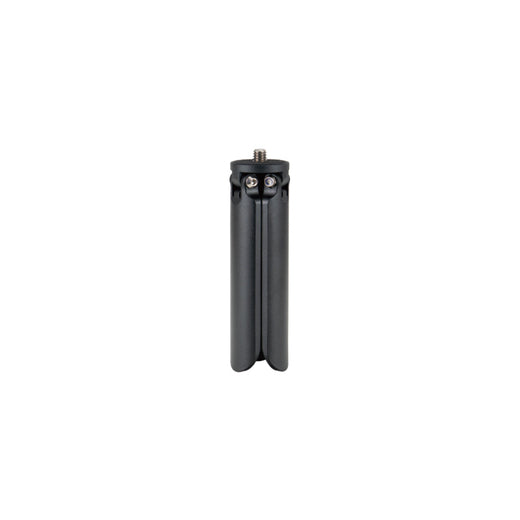
Aluminum alloy tripod
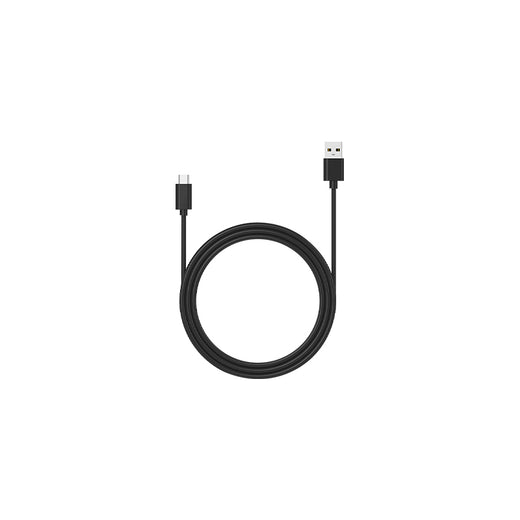
USB Type-C cable
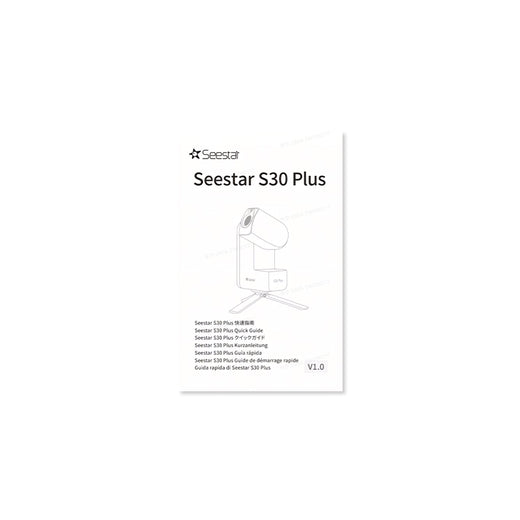
Quick start guide
Safety instructions
Astronomy-themed stickers
Planning to use Equatorial Mode? The TH10 fluid tripod head + TC20 carbon fiber tripod bundle is recommended (sold separately). Already own a tripod with a 9.5 mm (3/8 inch) head thread? You can add just the TH10 tripod head.
Where can I use the Seestar S30 Plus?
Everywhere from city balconies and backyards to outdoor adventures. In the city, the built-in duo-band (OIII/Hα) filter and live stacking help you capture nebulae and star clusters despite light pollution. Outdoors, Active Anti-Dew Control helps prevent fogging, and even without a local Wi-Fi network you can connect your phone directly to the telescope's own Wi-Fi and shoot with the Seestar app.
Do I need to adjust settings manually?
No. The S30 Plus works automatically by default: it finds and tracks targets, aligns images and focuses on its own, all controlled from the app. In Solar System Mode, select the Sun, Moon or a planet and imaging starts automatically; for deep-sky and wide-field targets, just select a target in SkyAtlas. Exposure time, filter selection and zoom remain available for advanced users.
How does the S30 Plus improve on the original S30?
- Wide-field astrophotography for the Milky Way, star trails and meteors.
- Upgraded sensors: telephoto from 1/2.8-inch type (2 MP) to 1/1.8-inch type (3.68 MP); wide-angle from 1/3-inch type to 1/2-inch type, now in portrait orientation.
- Higher resolution: from 1080p to 2K.
- Better optics: from a three-element to a four-element apochromatic lens.
- Longer focal length: telephoto from 150 mm to 160 mm, widening the field of view from 2.46° to 3°.
- NFC connection for pairing without manual setup.
How do I choose between the S30 Plus and the S30 Pro?
The two share the same optical and lens design. Choose the S30 Plus if you want Milky Way and wide-field scenes with little post-processing, or a gift or family introduction to astronomy. Choose the S30 Pro if you prioritize creative output, 4K resolution and a wider (63°) field of view.
Which sensors does it use?
Telephoto: SC485SL, 1/1.8-inch type, 1440 × 2560 (2K). Wide-angle: IMX586, 1/2-inch type, 1440 × 2560 (2K, cropped).
How much storage does it have?
64 GB of internal storage, of which about 45 GB is available for your files. Future system updates may change the available space.
What are its dimensions and weight?
210 mm high × 140 mm wide × 80 mm deep (21 × 14 × 8 cm) with the telescope closed, and 1.65 kg without the tripod — the same as the S30 Pro.
Does it include a tripod and carrying case? Do I need the TH10 or the TH10 + TC20 bundle?
Yes, an aluminum alloy tripod and a protective carrying case with shoulder strap are included. For Equatorial Mode, the TH10 + TC20 tripod head and tripod bundle is recommended. If you already own a tripod whose head mount has a 9.5 mm (3/8 inch) thread, you can buy only the TH10 tripod head and use it with your tripod.
What is one-tap plan generation in Plan Mode?
It quickly creates an imaging plan based on your targets and observing conditions, then lets the telescope follow it automatically. If you are unsure what to shoot or how to set things up, Auto Plan reduces manual setup and repeated steps.
Can I control it remotely?
Yes. Use Telescope Network in the Seestar app to control your S30 Plus remotely. Once connected, the app uses the remote device's location, lets you check local observing conditions and target altitude in real time, select a target and start imaging.