



![youtube - [Video]](/web/image/product.image/1928/image_128/youtube%20-%20%5BVideo%5D?unique=470f5ff)
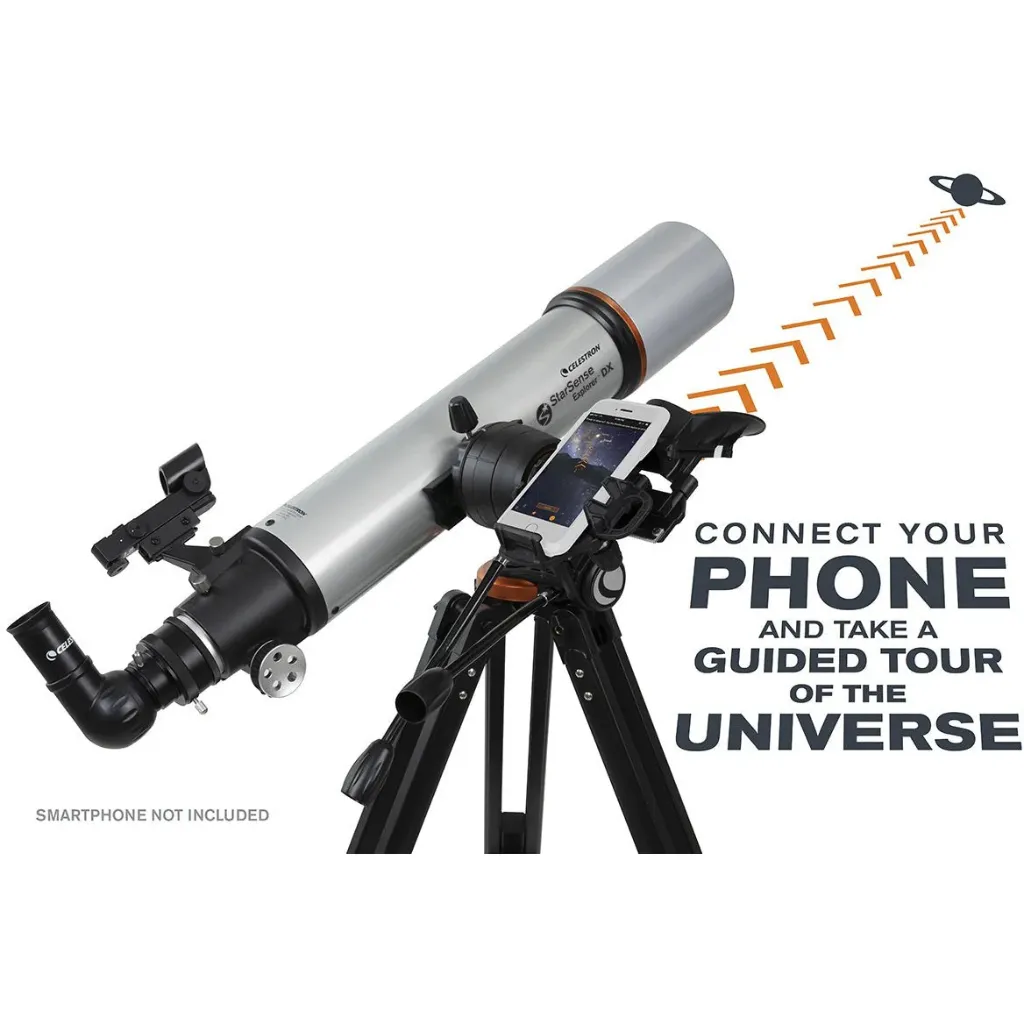
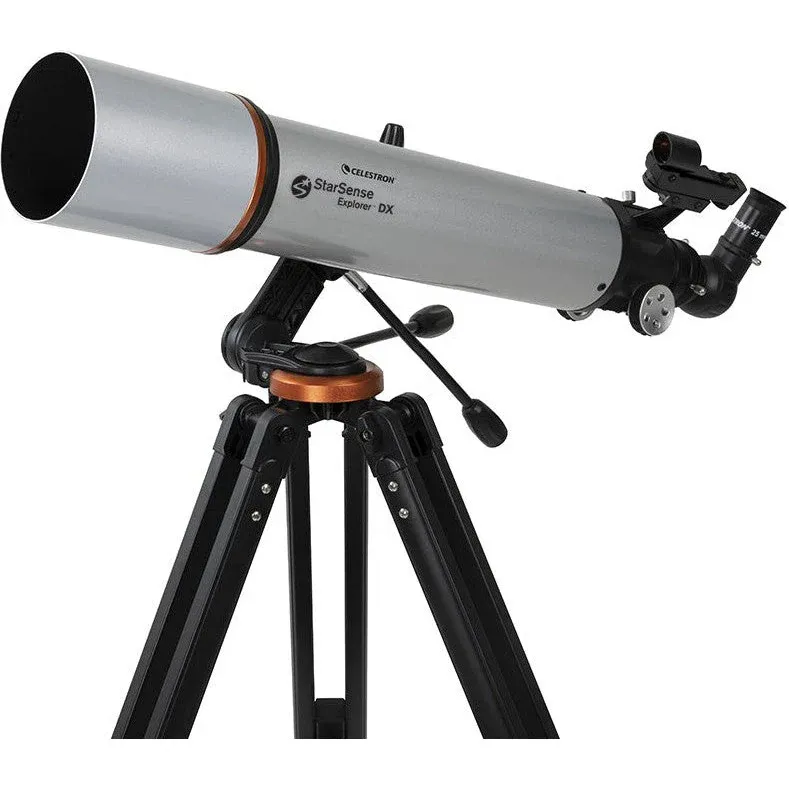
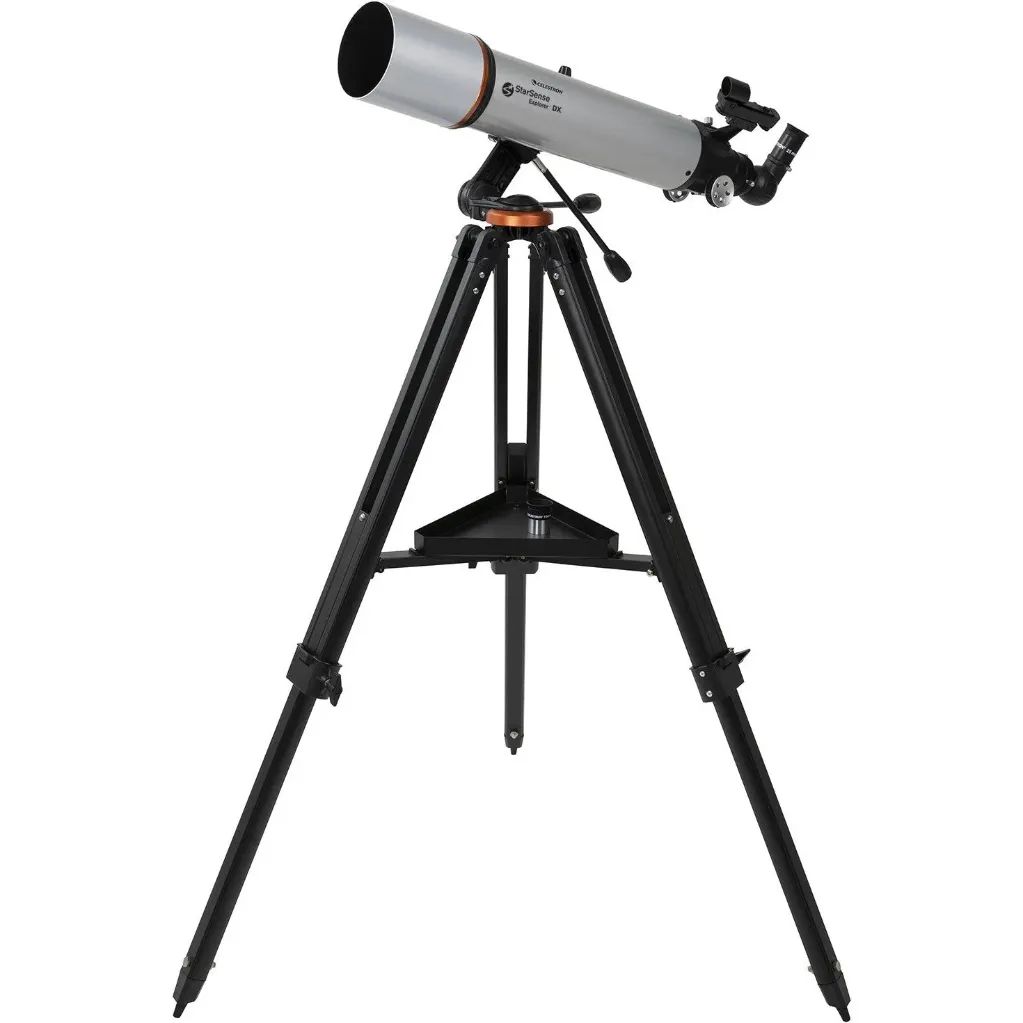
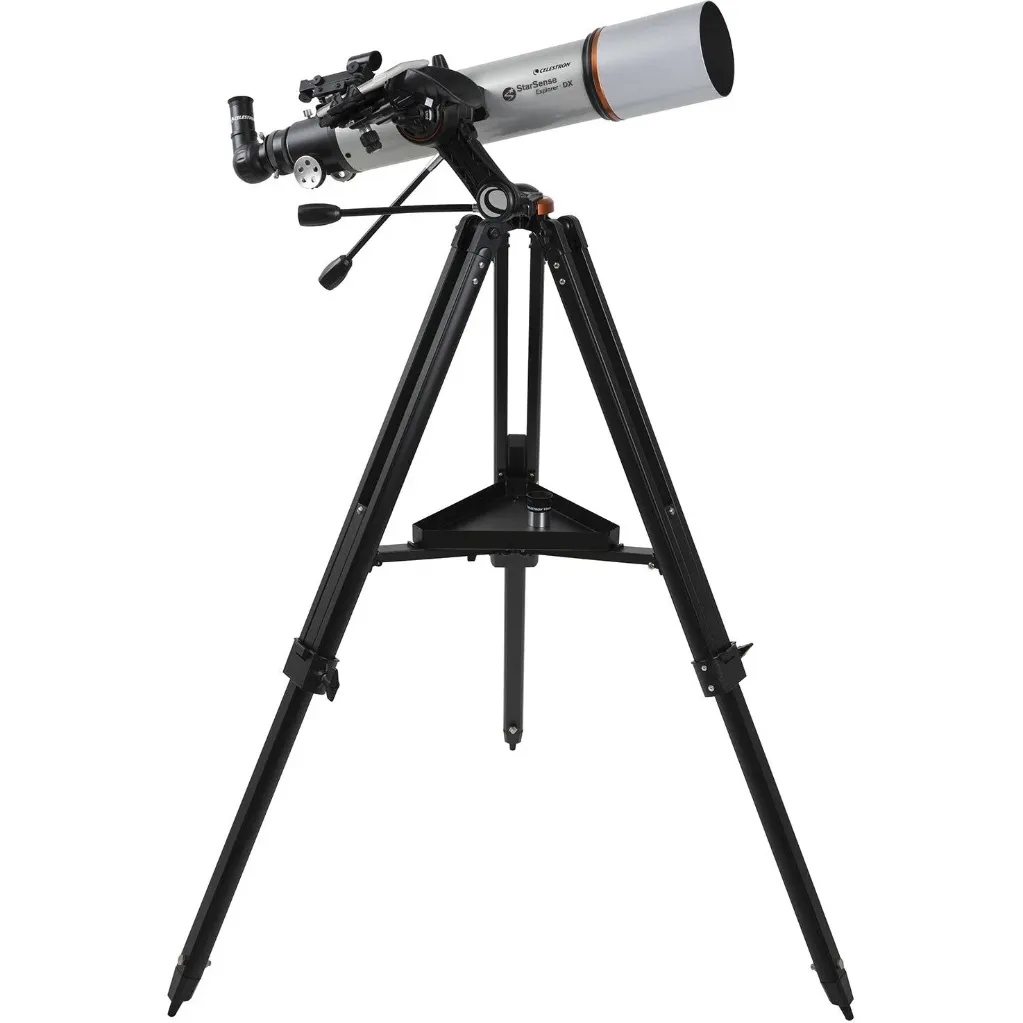
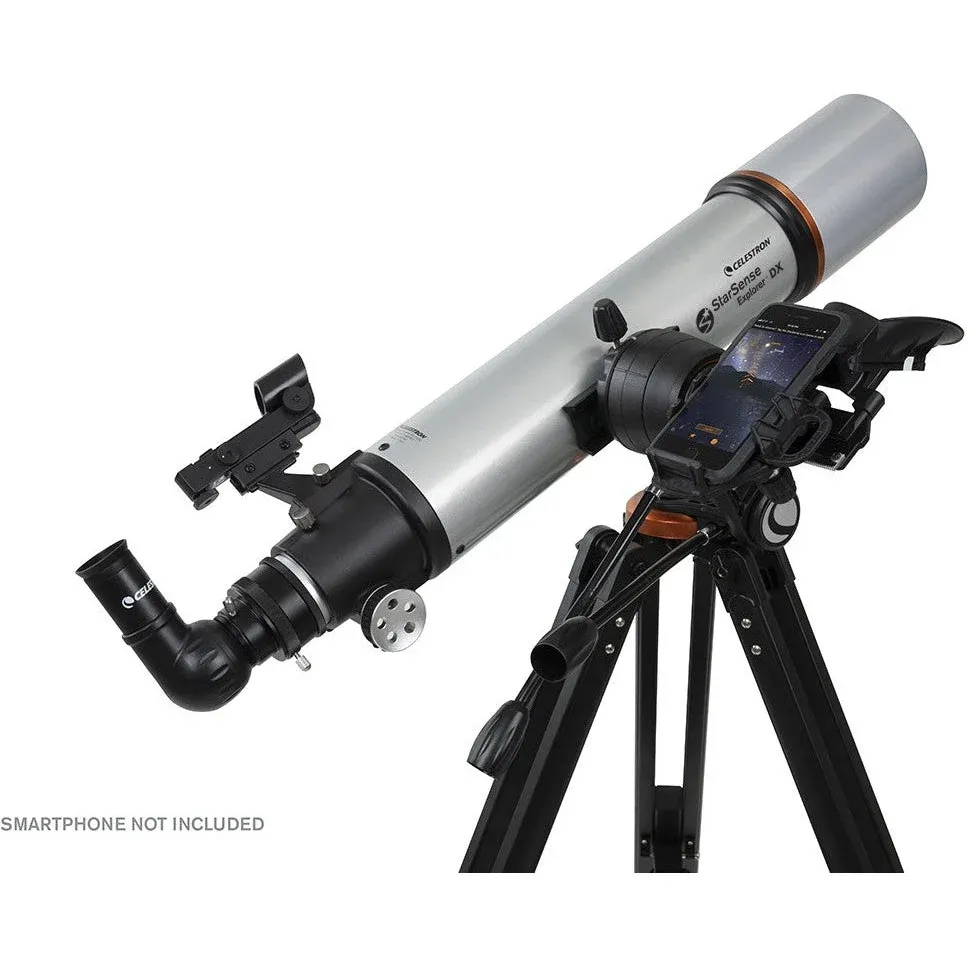
Reinventing Astronomy with Smartphone Docking Technology
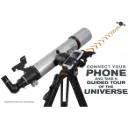
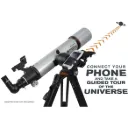
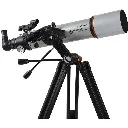
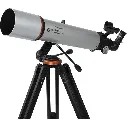
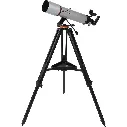
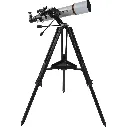
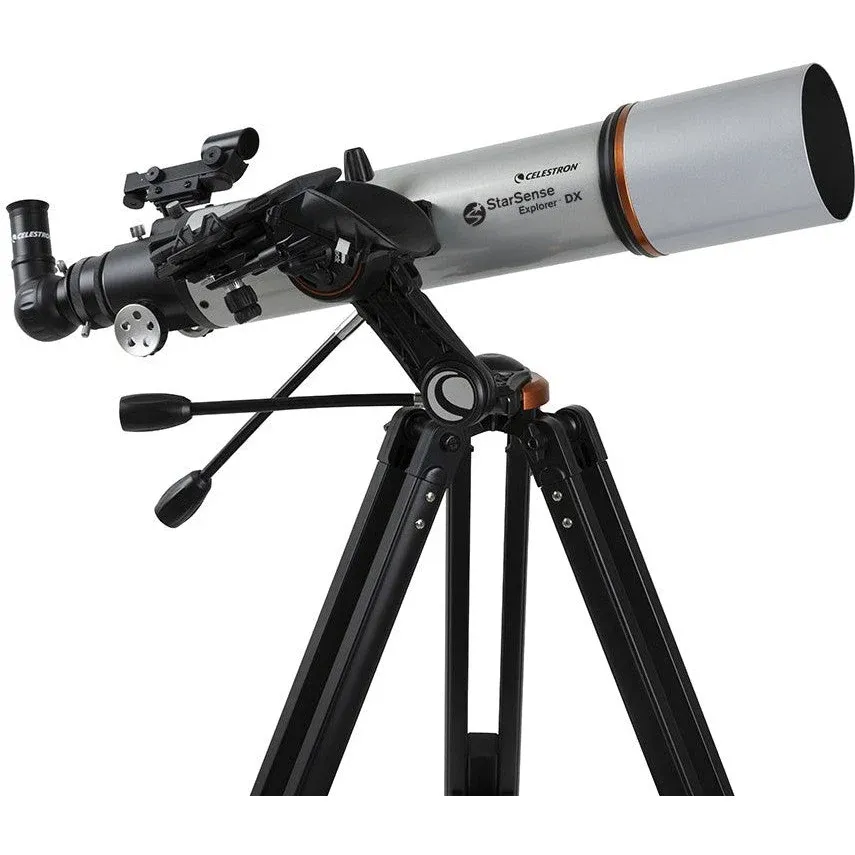
Celestron has reinvented the manual telescope with StarSense Explorer DX 102AZ (Item #: 22460)—the first refractor telescope that uses your smartphone to analyze the night sky and calculate its position in real time. It’s like having your own personal tour guide of the cosmos, making astronomy accessible to everyone regardless of prior experience.
Dock, Launch, Explore with LISA Technology
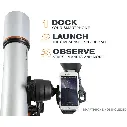
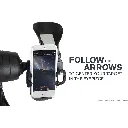
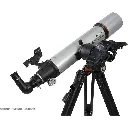
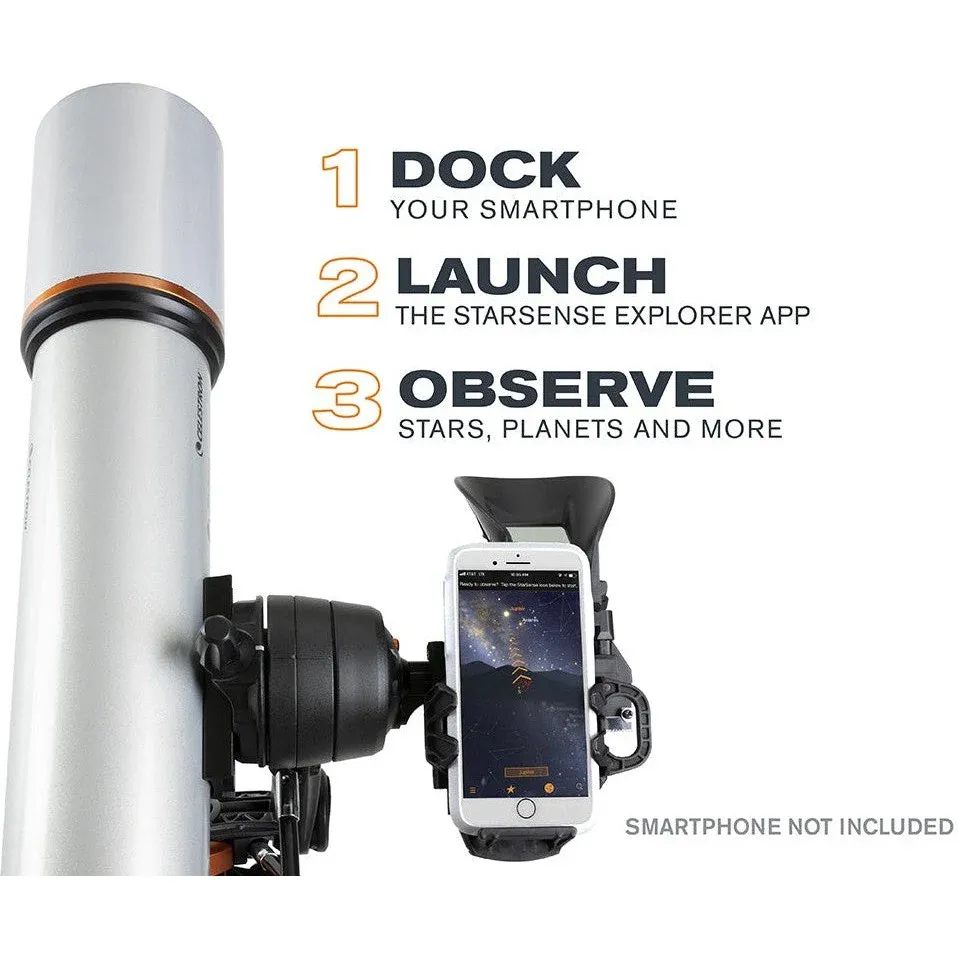
Forget complicated star charts, inaccurate planetarium apps, and complex computerized mounts. Simply dock your smartphone into the custom StarSense holder and launch the app. After a 2-minute optical alignment, the app automatically generates a list of celestial targets currently visible from your location.
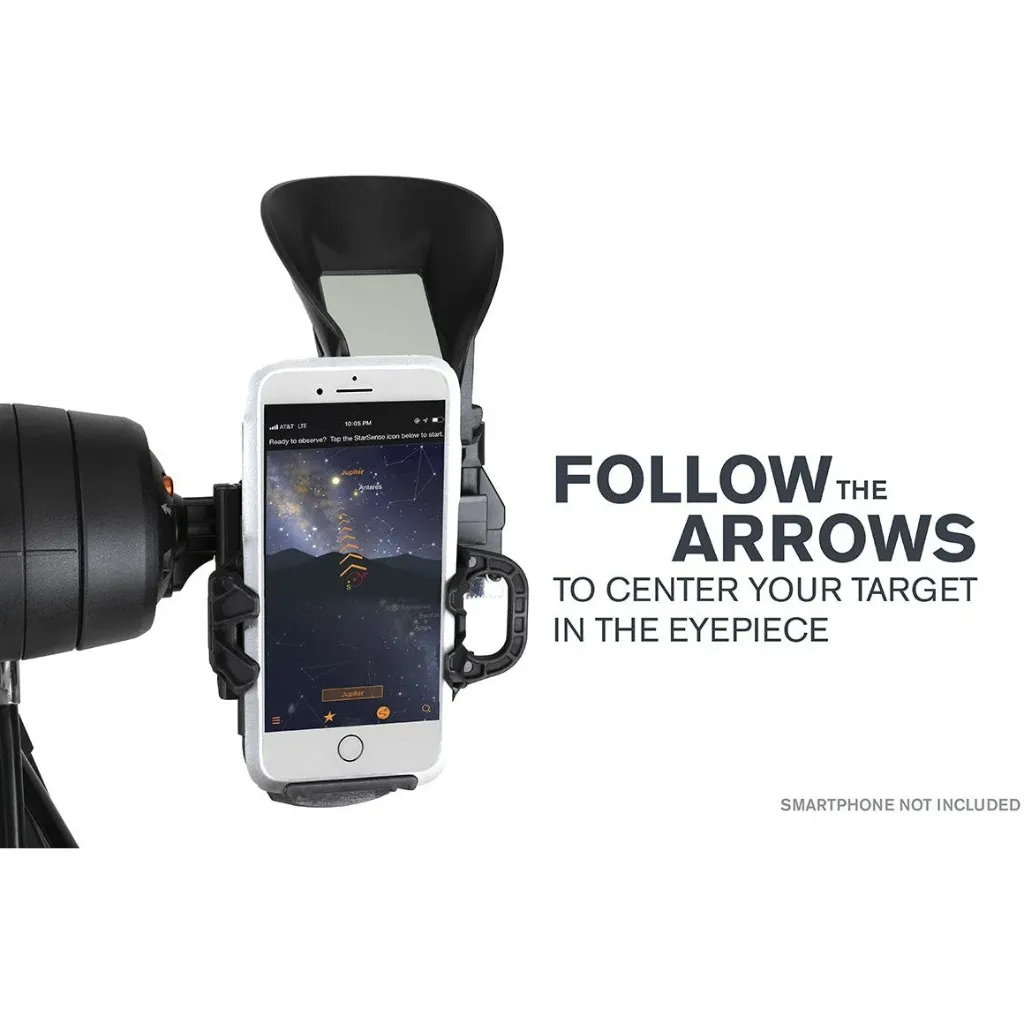
Using patented Lost in Space Algorithm (LISA) technology—similar to those utilized by orbital satellites—the app analyzes star patterns detected overhead. Follow the onscreen guidance arrows; when the bullseye turns green, your target is aligned and ready to view in the eyepiece!
Patented StarSense App
Powered by SkySafari™ for real-time sky recognition and guided tours.
102 mm Refractor & Fully XLT Coated Optics
A large 102 mm (4.01 in) objective glass lens with high-transmission XLT coatings delivers 212x more light than the naked eye, offering crisp views of Jupiter's Galilean moons, Saturn's rings, and the Orion Nebula.
Dual-Axis Slow-Motion Control
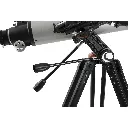
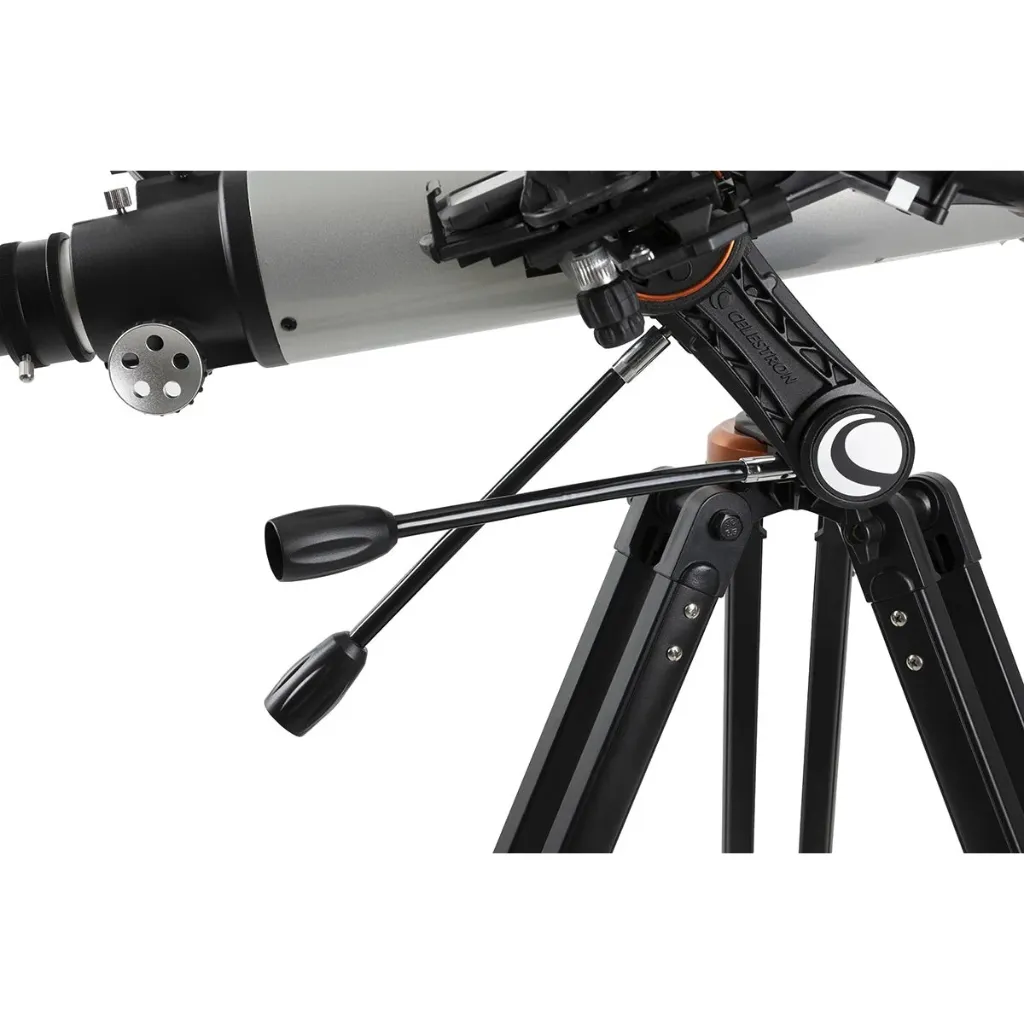
Features an ultra-stable altazimuth mount with slip clutches and geared slow-motion cables on both axes to smoothly counteract Earth's rotation.
Technical Specifications
Optical Tube Specifications
| Parameter | Specification Details |
|---|---|
| Optical Design | Refractor |
| Aperture | 102 mm (4.01 in) |
| Focal Length & Ratio | 660 mm (25.98 in) | f/6.5 |
| Eyepiece 1 | 25 mm (0.98 in) – 26x magnification |
| Eyepiece 2 | 10 mm (0.39 in) – 66x magnification |
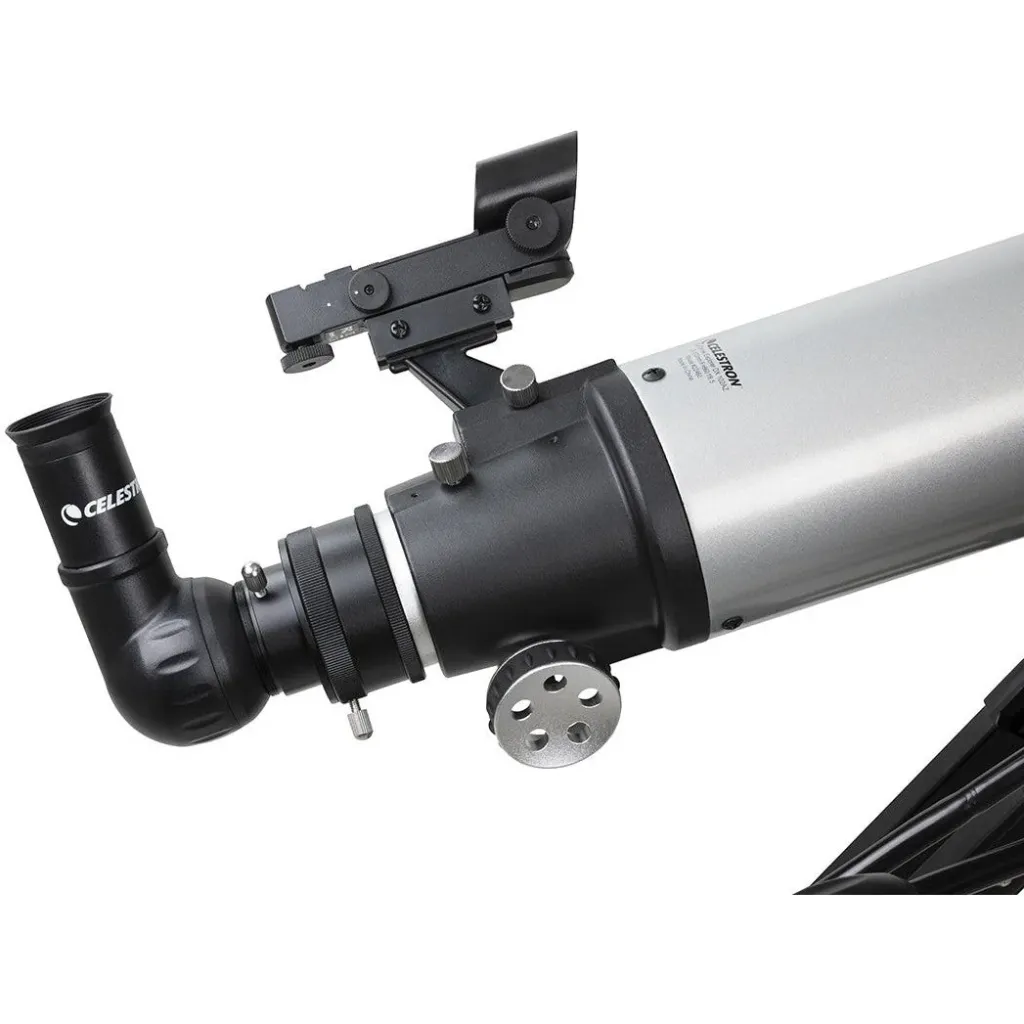
| Star Diagonal | 90° Erect Image Diagonal 31.75 mm (1.25 in) |
| Finderscope | StarPointer™ Red Dot Finderscope |
| Optical Coatings | Fully XLT Coated glass optics |
| Highest Useful Magnification | 240x |
| Lowest Useful Magnification | 15x |
| Limiting Stellar Magnitude | 12.5 |
| Resolution | Rayleigh: 1.37 arcsec | Dawes: 1.14 arcsec |
| Light Gathering Power | 212x compared to naked human eye |
| Optical Tube Length | 812.8 mm (32 in) |
| Optical Tube Diameter | 118 mm (4.64 in) |
| Optical Tube Weight | 2.26 kg (5 lbs) |
| Dovetail Bar | CG-5 Dovetail Bar |
Mount & Tripod Specifications
| Parameter | Specification Details |
|---|---|
| Mount Type | Manual Alt-Azimuth with Dual-Axis Slow-Motion Controls |
| Tripod Material & Max Height | Aluminum, 1244.6 mm (49 in) max height |
| Tripod Weight | 4.17 kg (9.2 lbs) |
| Accessory Tray | Included |
| Total Kit Weight | 6.44 kg (14.2 lbs) |
| Software Included | StarSense Explorer App, SkyPortal App, Celestron Starry Night Basic Edition |
Award-Winning Technology & Press Reviews

Edison Gold Winner 2020
Learning Technologies Category

CES 2020 Innovation Award
IHS Markit ShowStoppers

IDA Gold Winner 2019
Education / Teaching Aids

IDA Silver Winner 2019
Self-Learning Devices
Press Quotes
Newsweek
"It’s an irresistible proposition from amateur astronomers and other stargazers: Get the capabilities of a professional observatory in a telescope that costs less than $500."
Wired
"If you’ve ever hunted for stars using a low-cost telescope, you’ll appreciate Celestron’s new StarSense Explorer telescopes."
Popular Science
"One of my favorite products that I came across today uses some of the simplest tech to achieve its purpose."
Frequently Asked Questions & Safety
The phone dock’s saddle on the StarSense Explorer DX mount is rotated 180 degrees for shipping to keep the screw from damaging the box in transit. You just need to rotate the saddle 180 degrees by hand so that the phone bracket is right side up. This will also make the saddle the correct orientation with the screw on top. Take off the bracket and scope for now and use the dovetail screw as a handle in the joint between your thumb and pointer finger. Apply pressure until you can rotate the screw up to the top. Now mount the phone dock and telescope and everything will work as it is supposed to.

The easiest way is to visit Celestron.com/sse with your smartphone’s web browser and run a compatibility check. Otherwise, you can go to the same webpage on your computer and view a list of tested Android smartphones. In general, Android devices running Android 7.1.2 and higher that were manufactured in 2016 or later are usually compatible.
If you are still unsure, download the StarSense Explorer app from Google Play. When you open the app, it will indicate compatibility automatically.
One of two things could potentially be happening here:
- 1) Camera Alignment Error: Your smartphone’s camera may not be well aligned to the telescope. Exit StarSense mode, re-enter it, select “Need Alignment”, and redo the camera alignment procedure carefully on a distant object.
- 2) Object Light Pollution Faintness: The object may be in the eyepiece, but too dim to see due to city light pollution or Moonlight. Targets marked as "DARK SKY VIEWABLE" require dark skies. You can also consider adding a 31.75 mm (1.25 in) Light Pollution Reduction (LPR/UHC) filter.
There are tension adjustment screws for each axis of motion on the StarSense dock. Tighten these screws gently with a small Phillips screwdriver until the holder stops slipping:
- Y-Axis Adjustment: Turn the X-axis knob counterclockwise all the way to expose the 3 Y-axis screws shown below and tighten them slightly.

- X-Axis Adjustment: Turn the X-axis knob clockwise all the way to access the 3 X-axis screws shown below.


Yes, this is completely normal. Modern smartphone cameras often feature wide field-of-view lenses that extend beyond the StarSense dock mirror edges. This does not affect performance, as StarSense Explorer still detects enough stars for real-time plate solving.

When the bullseye stays red, the app cannot sense enough stars. Common causes include:
- Cloudy, hazy, or twilight skies (wait 1 hour after sunset).
- Direct streetlight glaring into the dock mirror (move to a shaded area).
- Obstructions like trees, power lines, or building edges in the camera view.
- Dew forming on the dock mirror (wipe gently with a clean tissue or micro-fiber cloth).
- Reflections off shiny metallic/glass smartphone cases.
Tap the orange rectangle containing the selected object’s name at the bottom of the screen to open its full Object Info page.

This is caused by the natural rotation of the Earth. On a manual mount, simply turn the slow-motion control knobs periodically to keep the green bullseye centered over the object.
StarSense Explorer App: Works exclusively with StarSense telescopes using the phone dock and unlock code for real-time sky sensing and guided pointing.
SkyPortal App: A free standalone planetarium app for general star chart exploring or controlling computerized GoTo telescopes via Wi-Fi.
This is caused by stray light reflecting off glossy or metallic smartphone cases into the camera lens. Use a matte, non-reflective case or observe away from direct artificial lighting.
This "gyro drift" occurs on older phones (like iPhone 6 or certain Android models) due to internal gyro sensor calibration drift. The app automatically re-corrects its position after each successful plate solve without affecting alignment accuracy.
Plate solve images captured by StarSense are noisy black frames with faint star points used solely for astrometric calculations—they are not aesthetic astro-photos.

The "Save Images & Logs" option is designed for tech support troubleshooting only. Keep it OFF during normal use to conserve phone storage space.
Lower your smartphone brightness setting and enable Night Vision Mode from the app Menu. This converts the interface to a red-light display that preserves dark adaptation.
The "Tonight’s Best" list updates dynamically in real time. Objects that set below the horizon as the night progresses are automatically removed from the active list.
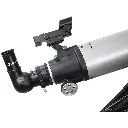
The StarPointer assists during the initial 2-minute camera alignment process, serves for daytime terrestrial spotting, and ensures you can still use the telescope if your smartphone battery runs out.
No. Daytime skies are too bright for the camera to detect background stars required for plate solving.
No. StarSense Explorer relies on real-time GPS time and date. Use Celestron SkyPortal if you wish to simulate future or past sky conditions.
Manual location entry is only required if you disable smartphone Location Services (GPS). Always ensure your location is set accurately for precise target lists.
| Brand | Celestron |